Facebook
HR software
as simple as it is complete.
KOKO HR is an HR software
designed to
make your life easier, not
more complicated.
See pricing
No hidden commitments
Create users and groups
quickly and without hassle.
Users. Create and manage
them
in just a few steps.
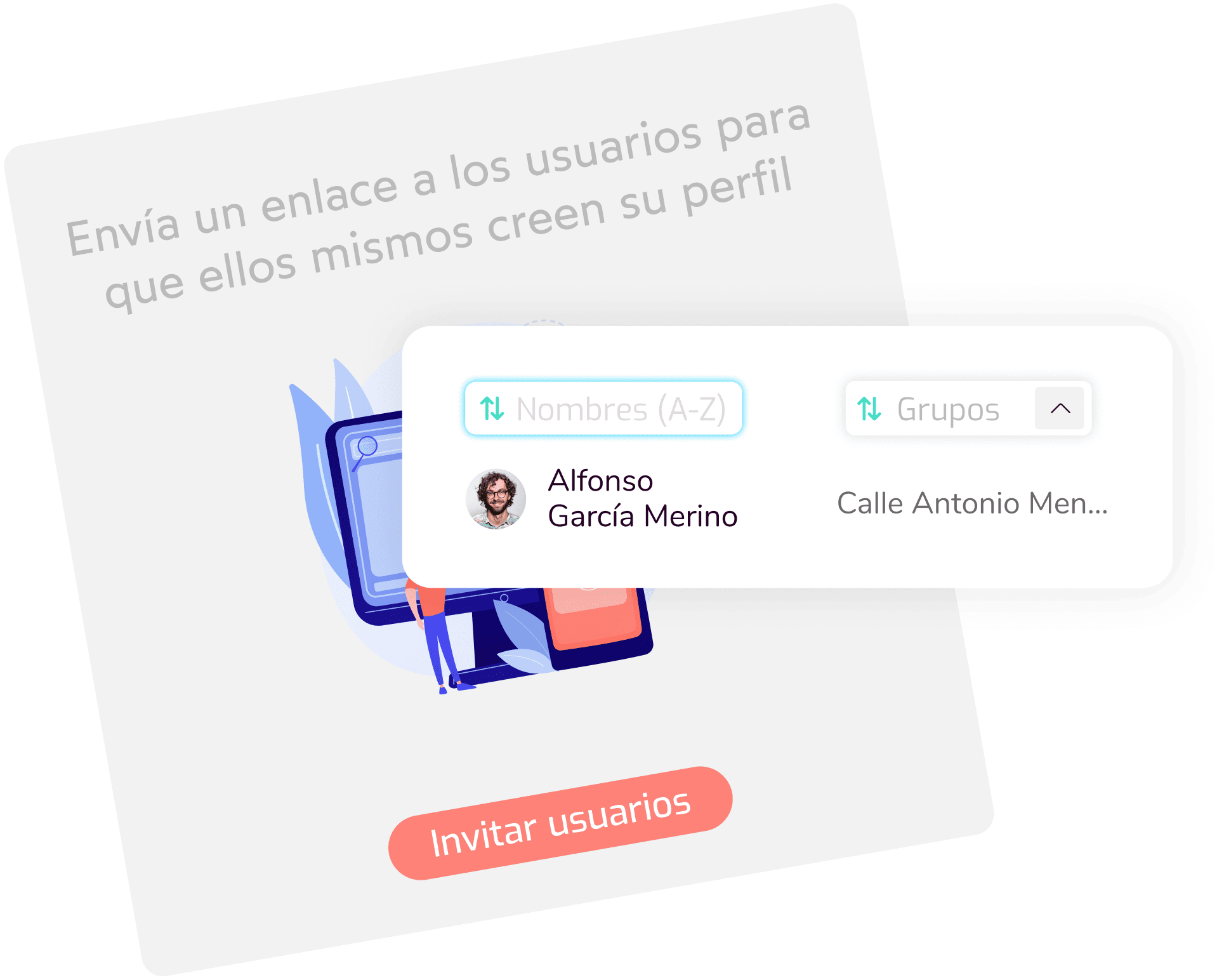
  • Easy user creation.
  • Invite users so they can fill in their own
    information.
  • Complete, interactive user page.
  • Download data on clock-ins, incidents,
    absences, holidays...
Groups. Keep your
company's
org chart in KOKO HR.
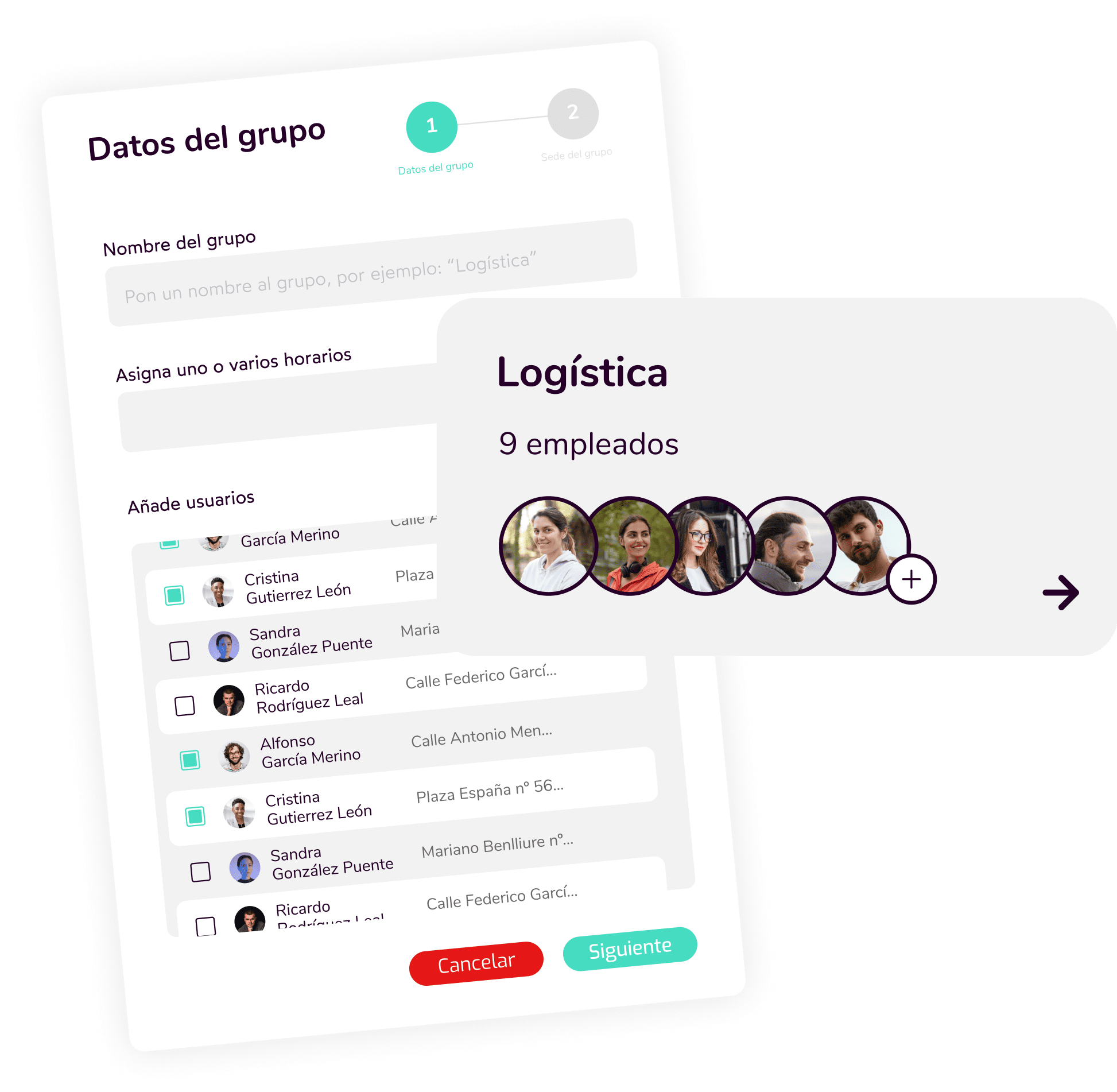
  • Create user groups.
  • Assign schedules, public holidays and leave
    by group.
  • Full reports by user group.
  • Statistics broken down by group.
Digital clock-in, built
to comply and simplify.
Easy clock-in. Don't let clocking in
become a problem for your employees.
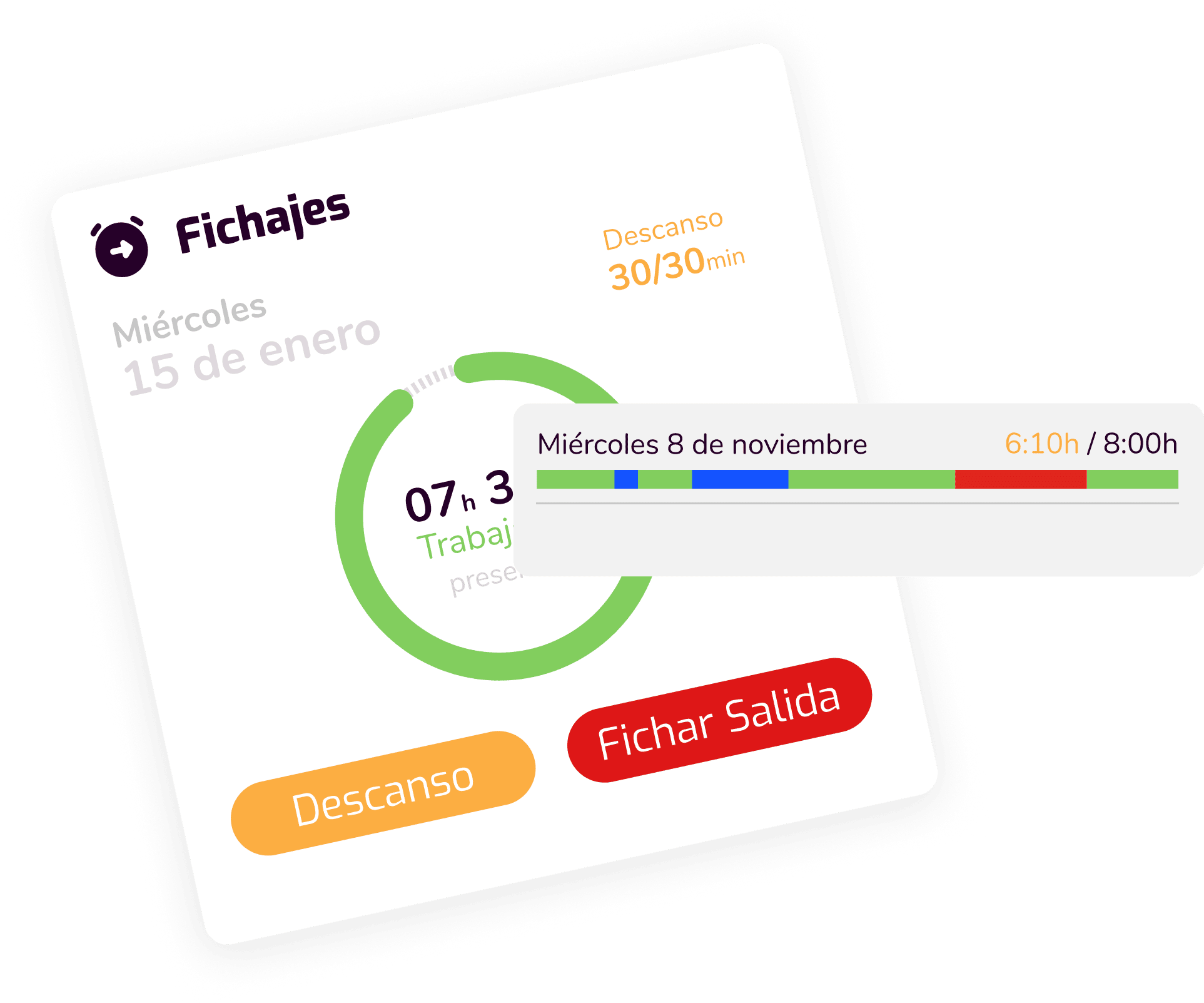
  • Clock in from any device, no
    apps needed.
  • Clock in by code, so any user
    can
    do it from the same device
    when needed.
  • Instant clock-in incident generation.
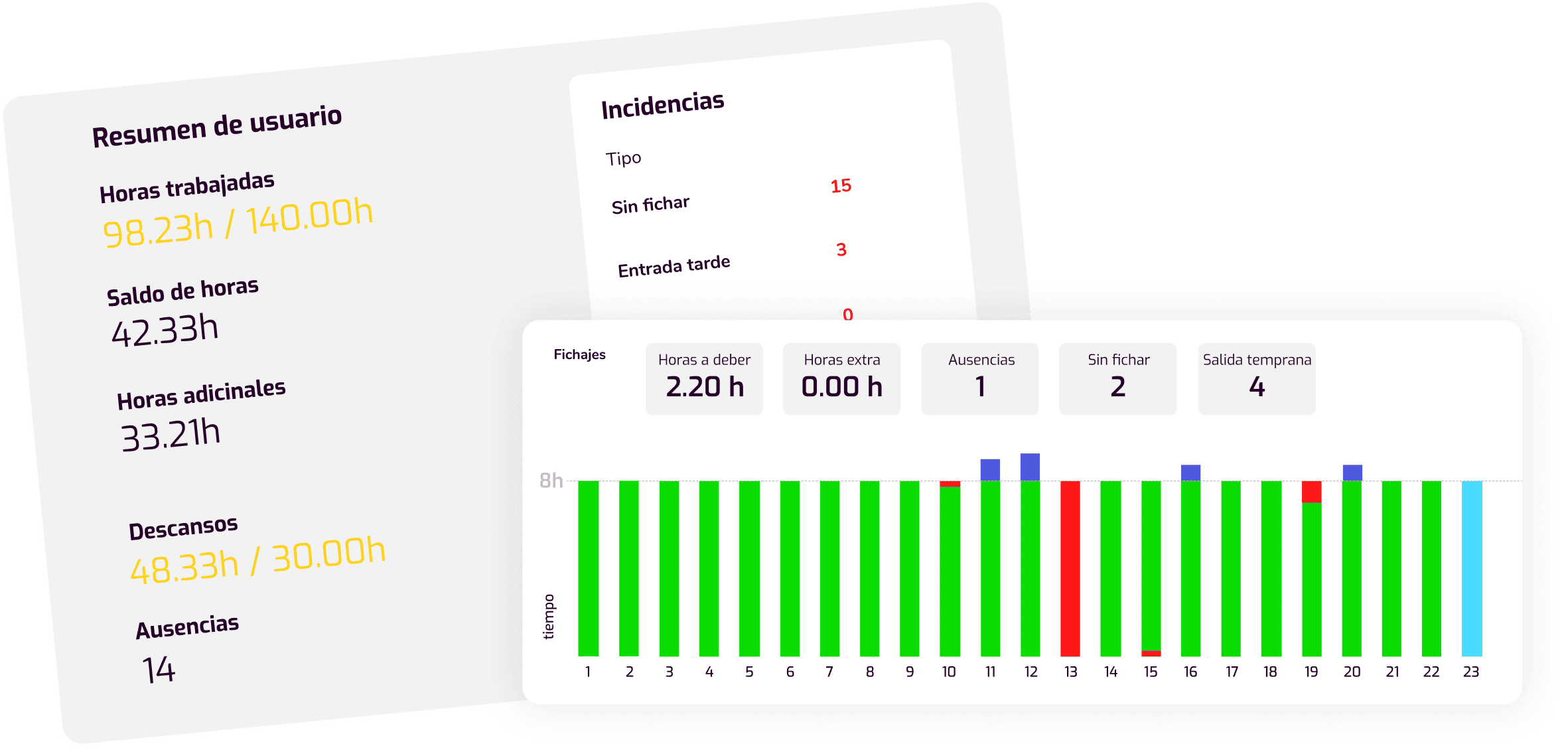
  • Detailed information on every day's clock-ins.
Hours balance. Every minute counts.
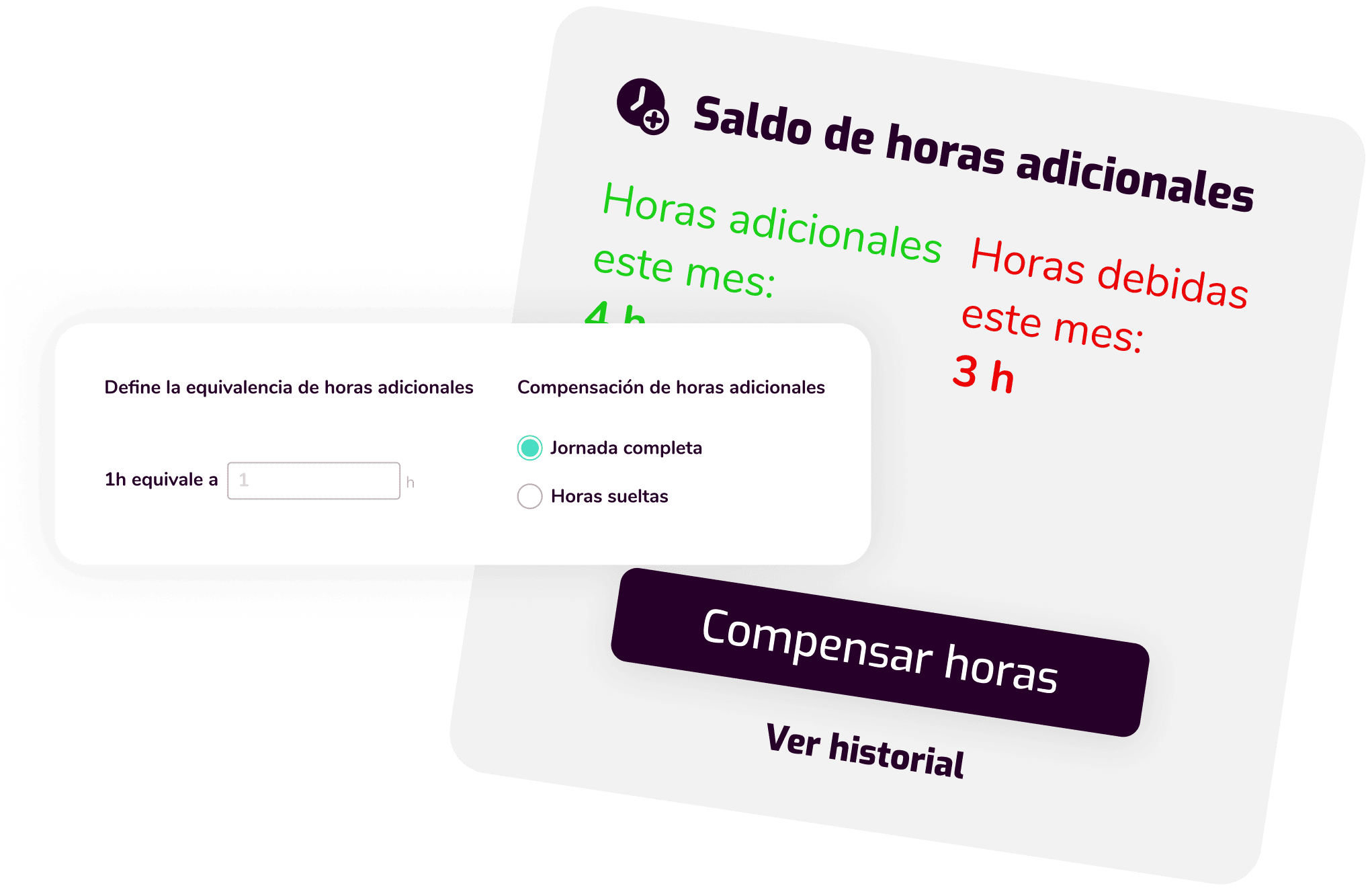
  • Every extra or missing minute is logged and
    added to or
    subtracted from the total hours balance.
  • Use those hours in whatever way suits you both best.
  • Applies the overtime equivalence
    recommended
    by your collective agreement.
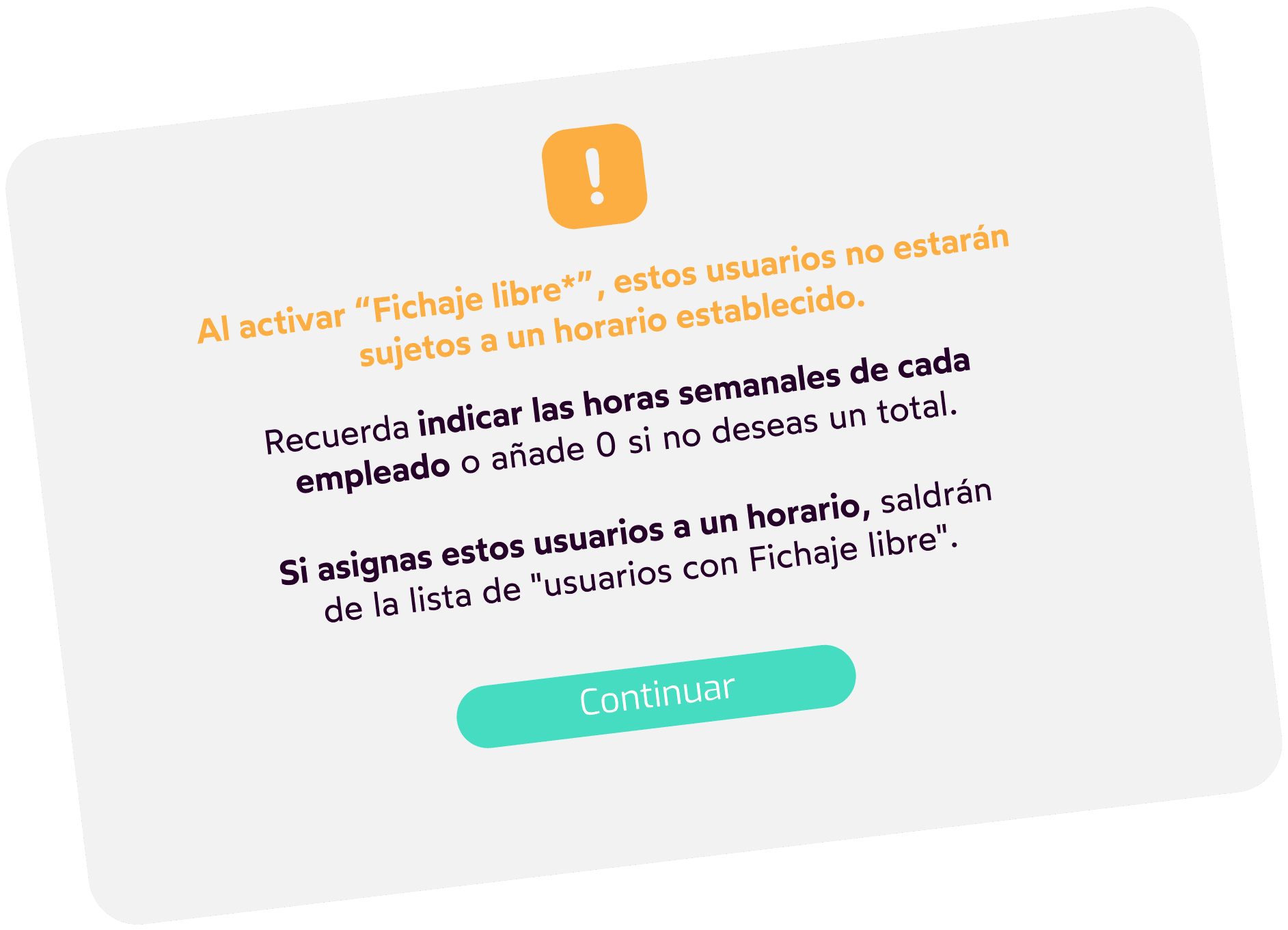
Free clock-in. If your employees
don't have
a set schedule.
  • Users won't be tied to a
    fixed schedule.
  • Set weekly working hours, and any extra
    time
    will count as additional hours.
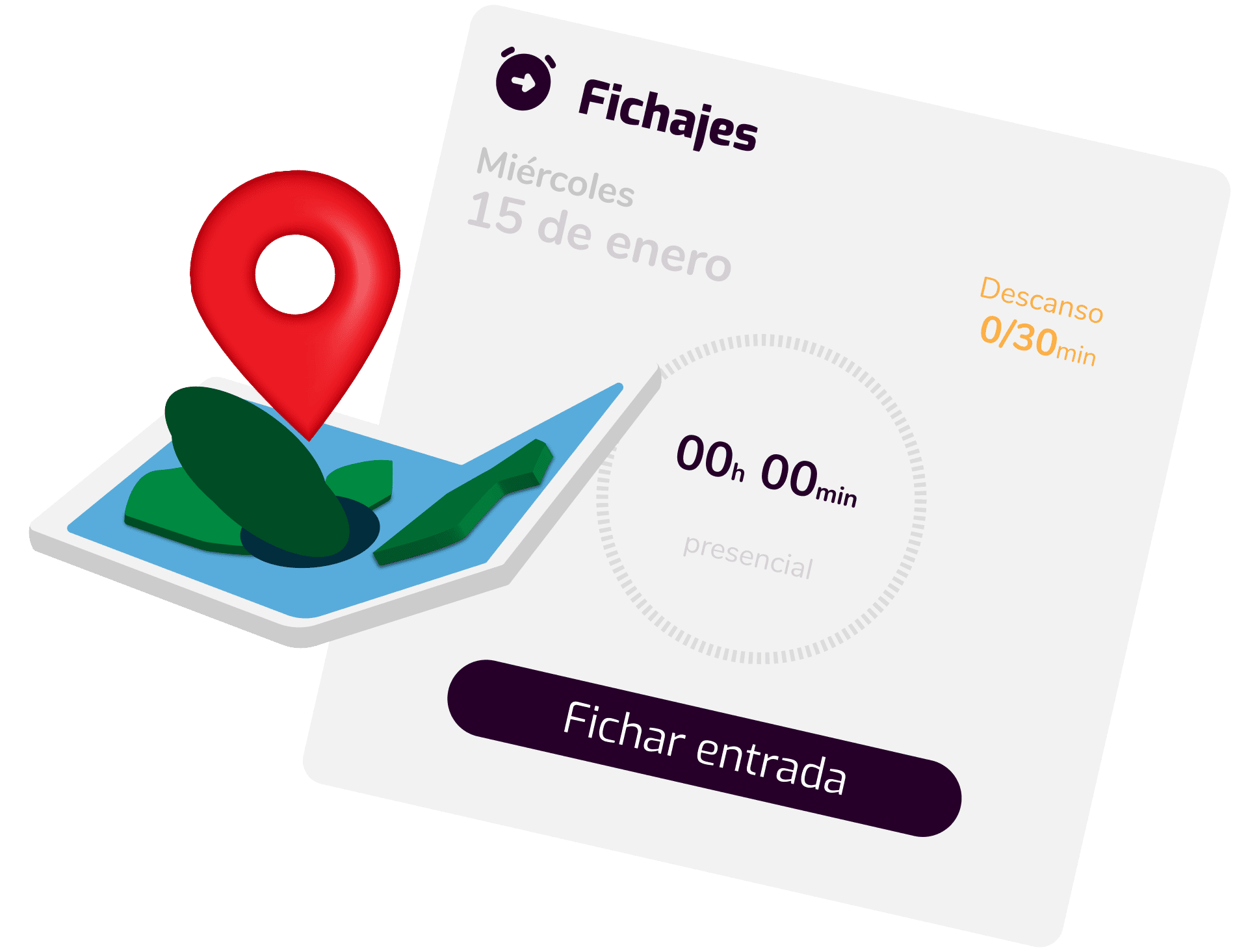
Location-based clock-in. To clock in
at the
workplace.
  • Set a radius in metres around the workplace
    within
    which users will be able to clock in.
  • Allow clocking in outside the range, but it will
    generate
    an incident so you're aware.
  • Allow clocking in outside the range if the user
    works away
    from their workplace that day.
Create and assign schedules in
just a few seconds.
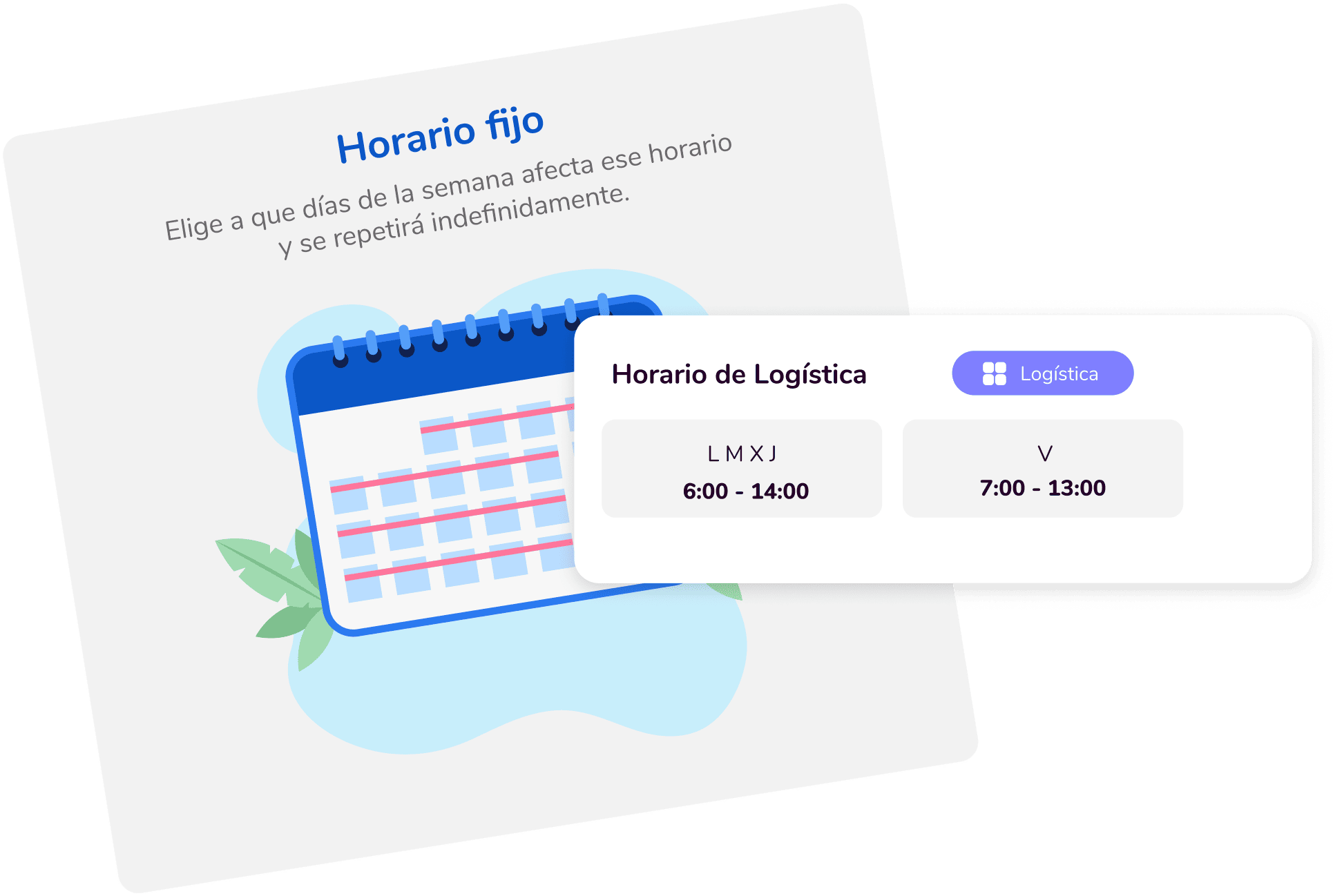
Fixed schedules. For those whose
schedule
never changes.
  • Create a fixed one that repeats indefinitely
    (until
    you decide to change it).
  • The schedule can include variants, such as
    a
    different schedule on Fridays.
  • Users will generate incidents based on
    that schedule.
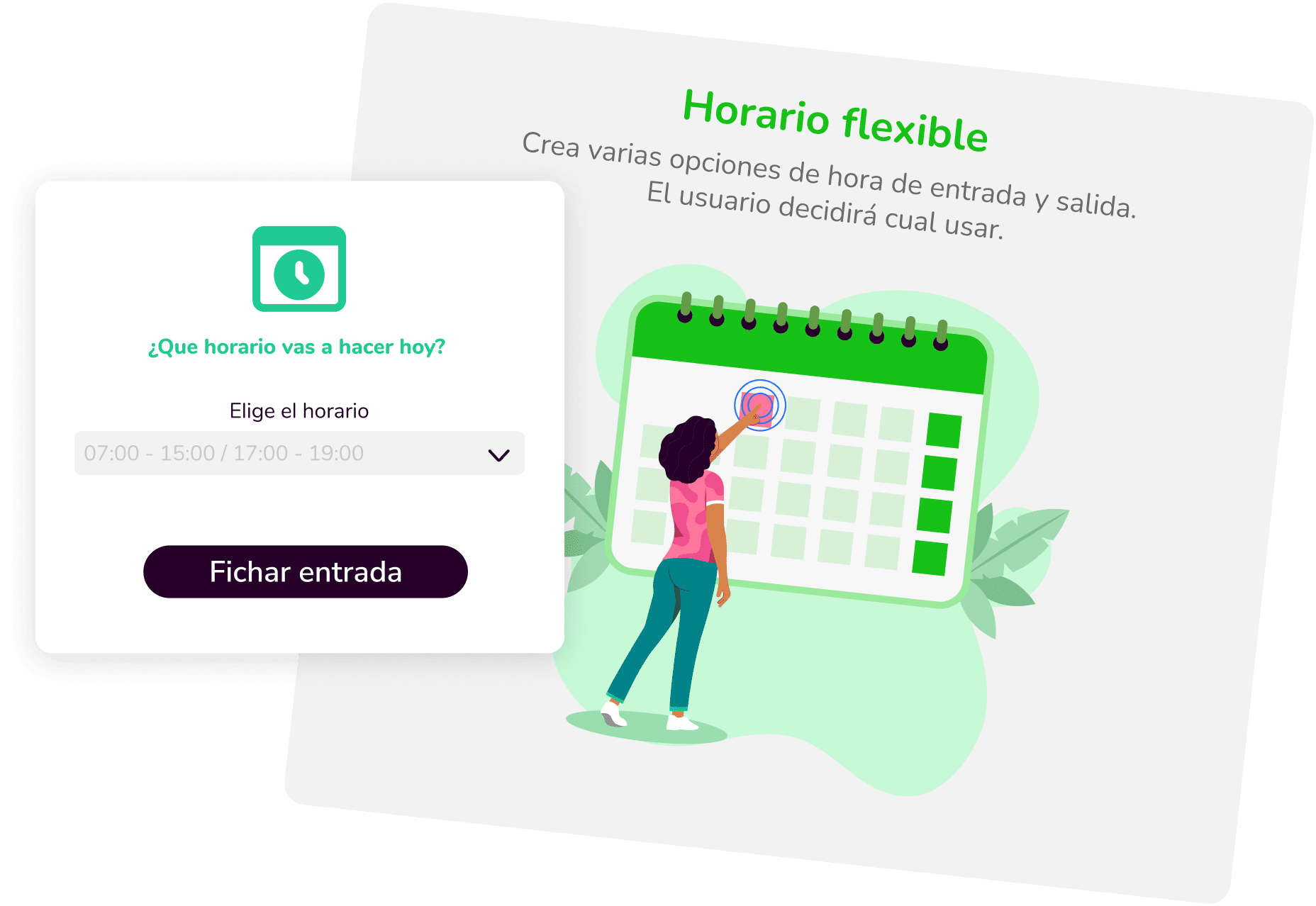
Flexible schedules. So the
user decides what time they work.
  • Create several possible schedules and the user
    will choose
    which one they want to work.
  • The schedule can be chosen daily,
    weekly or
    monthly.
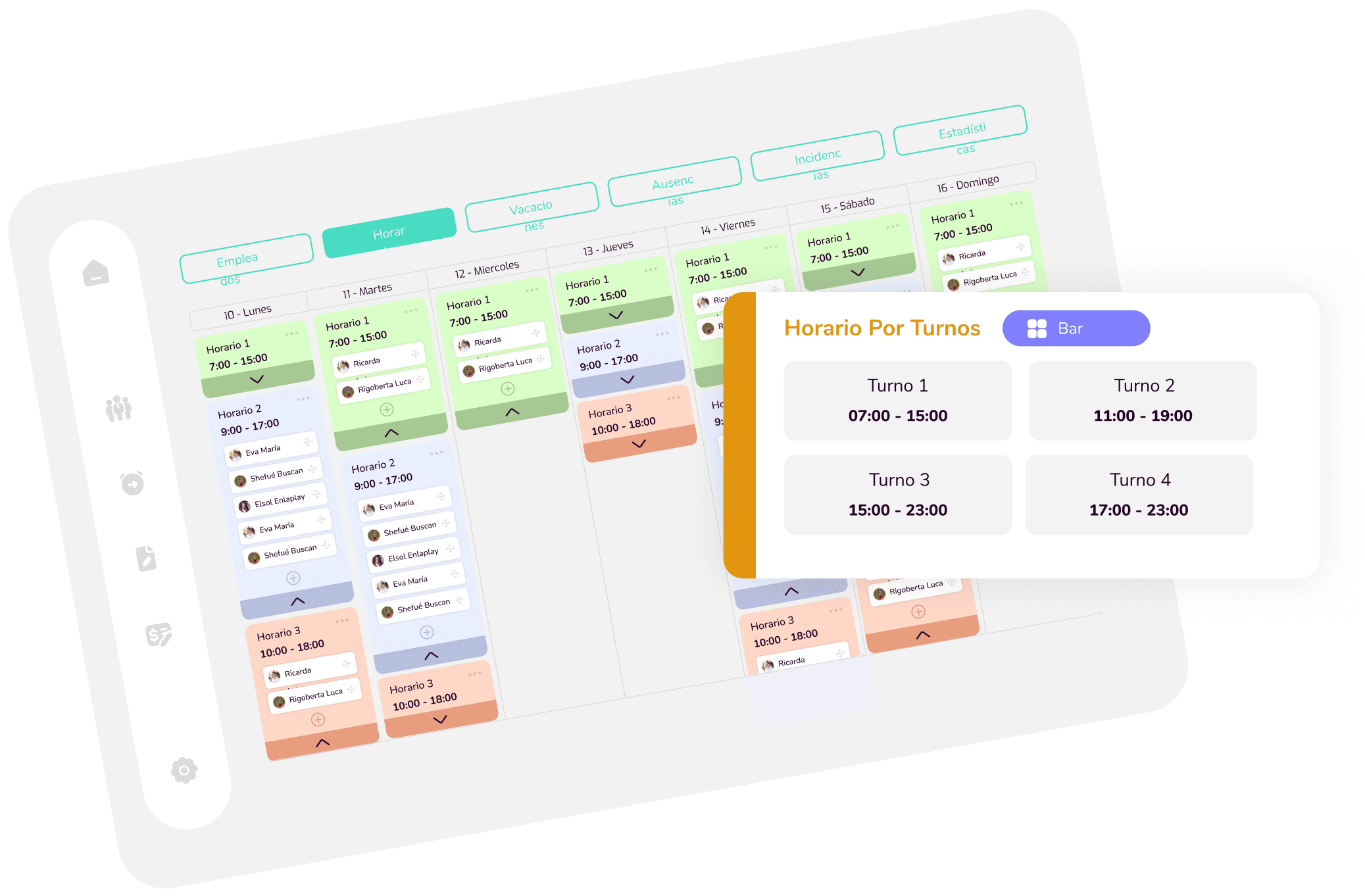
Shift schedules. For those
who don't
work fixed days.
  • Create a shift calendar simply and
    intuitively.
  • Keep track of your employees' hours, so
    they don't
    work too much (or too little).
  • Replicate weeks whenever you need to.
  • Download the shift calendar if you need
    to print it, or
    share it.
  • Users will be able to see their shifts on their
    profile, easily.
Thanks to incidents,
you optimise processes
and improve
internal communication.
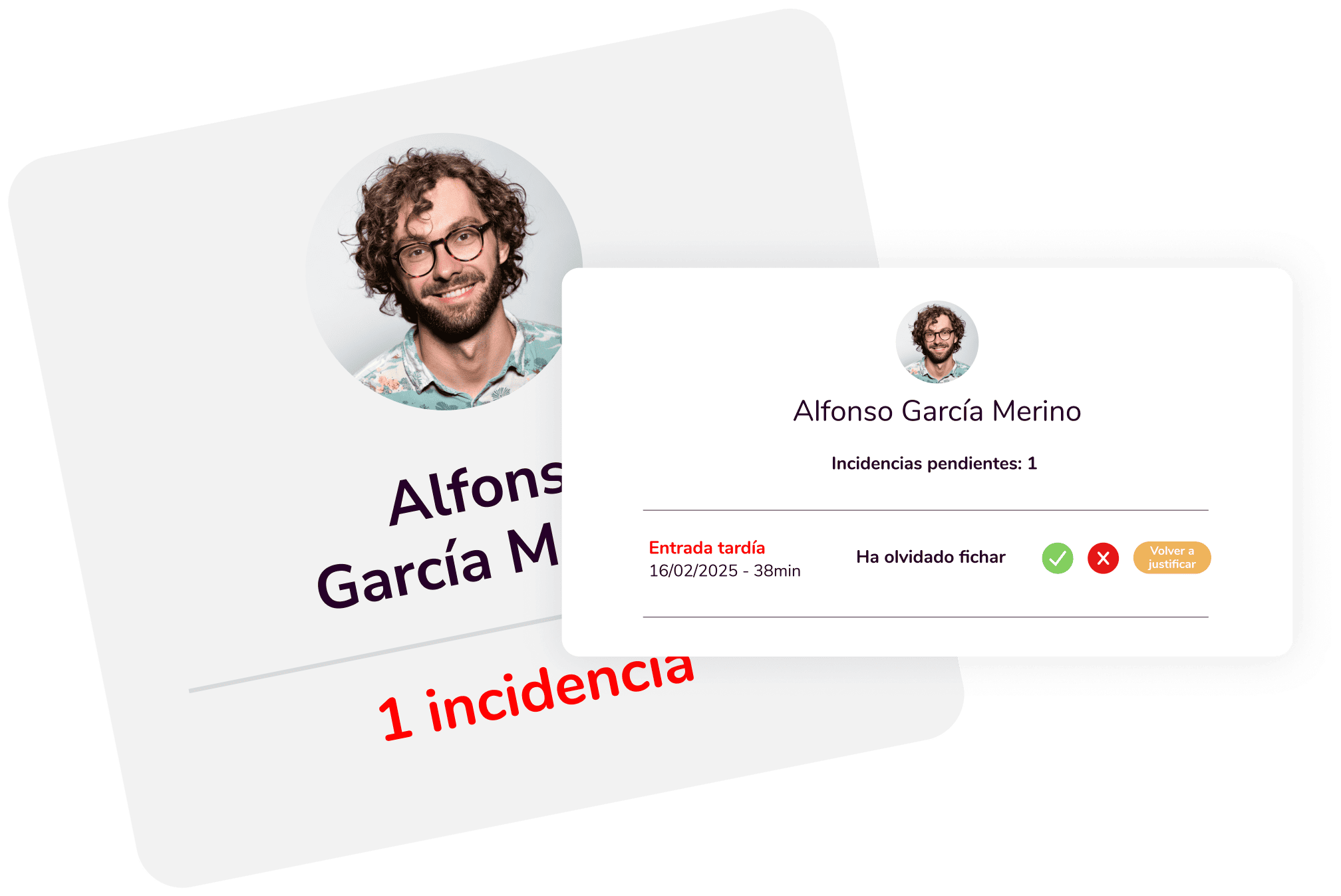
Incident generation. Every detail
is logged and under control.
  • Every clock-in is subject to certain parameters
    (schedule,
    locations...); anything that doesn't
    match will generate an incident.
  • You can enable or disable each of the
    incident
    reasons.
  • You can also allow a certain time margin
    so incidents aren't
    generated within that margin.
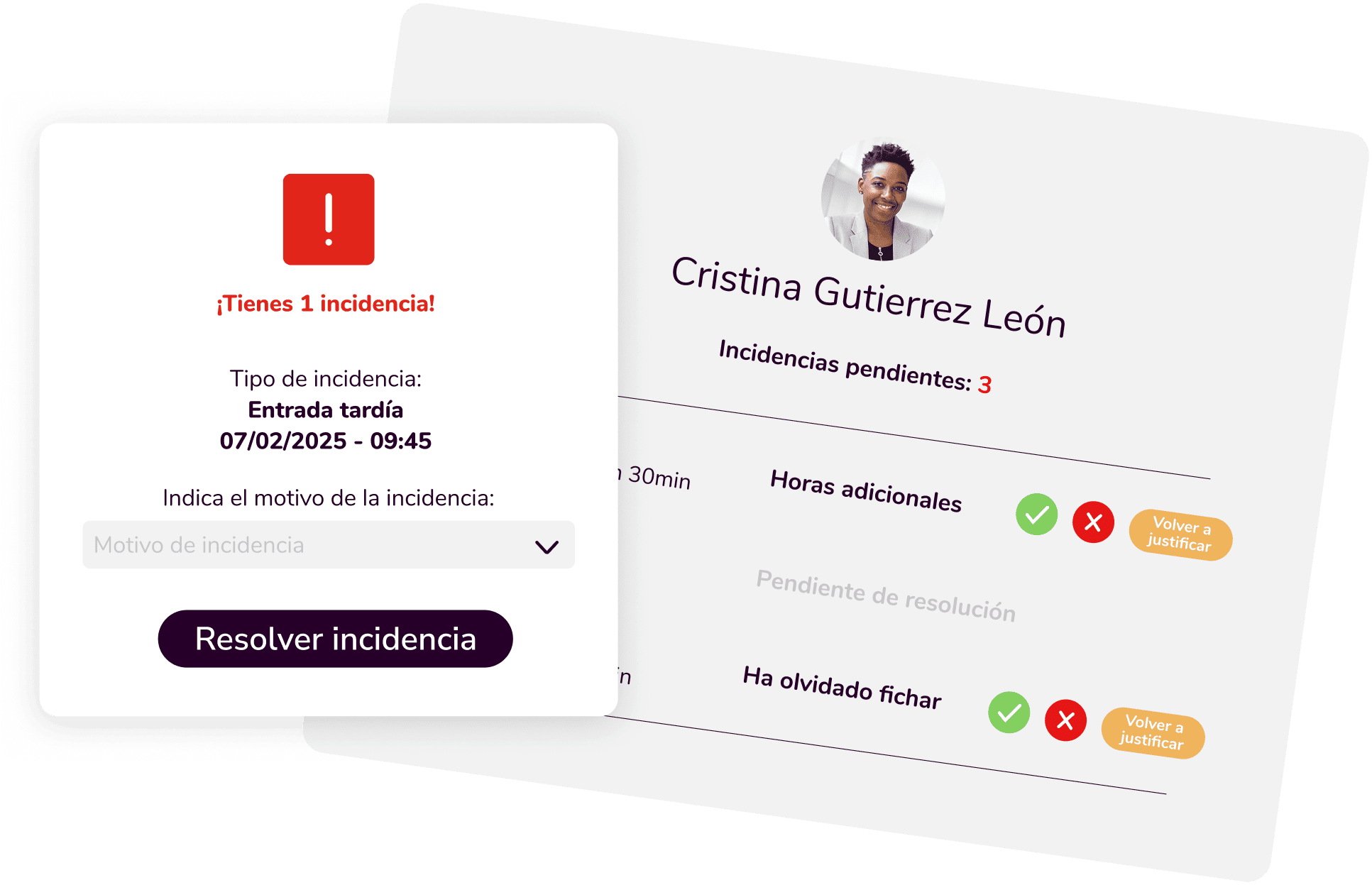
Incident resolution.
For
forgetful users.
  • When an incident is generated, the user can
    resolve it
    easily, for example if they
    forgot to clock in.
  • Once they submit the resolution, the admin
    decides
    whether to accept the reason for the incident.
Holidays will never be
a headache for you again.
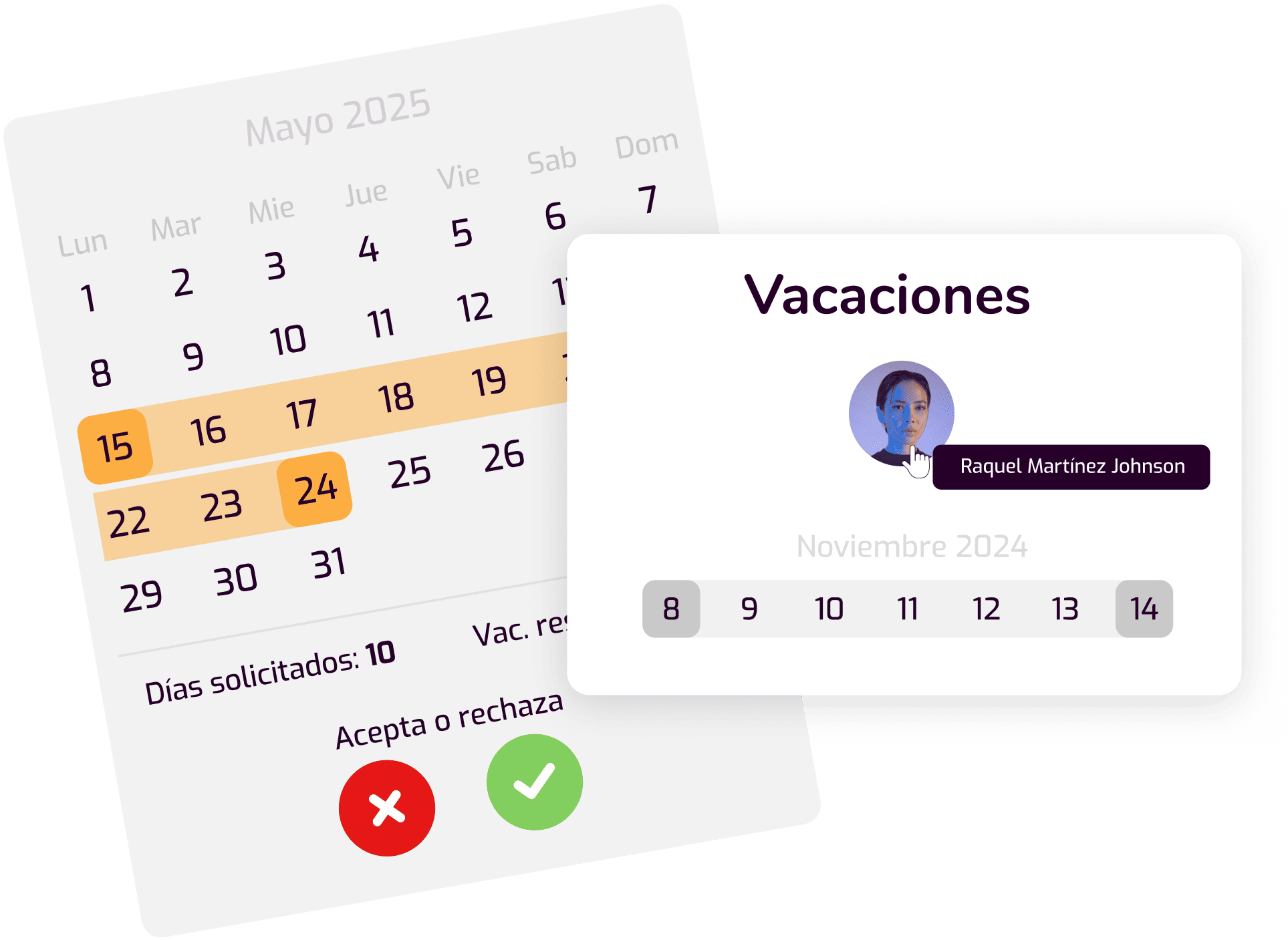
Holiday management.
All
holidays under control.
  • Users can request holidays whenever
    they
    want, and the admin decides whether to
    approve them.
  • Prevent several people from the same group
    from taking
    holidays in the same period.
  • Set the company's holiday dates, if needed.
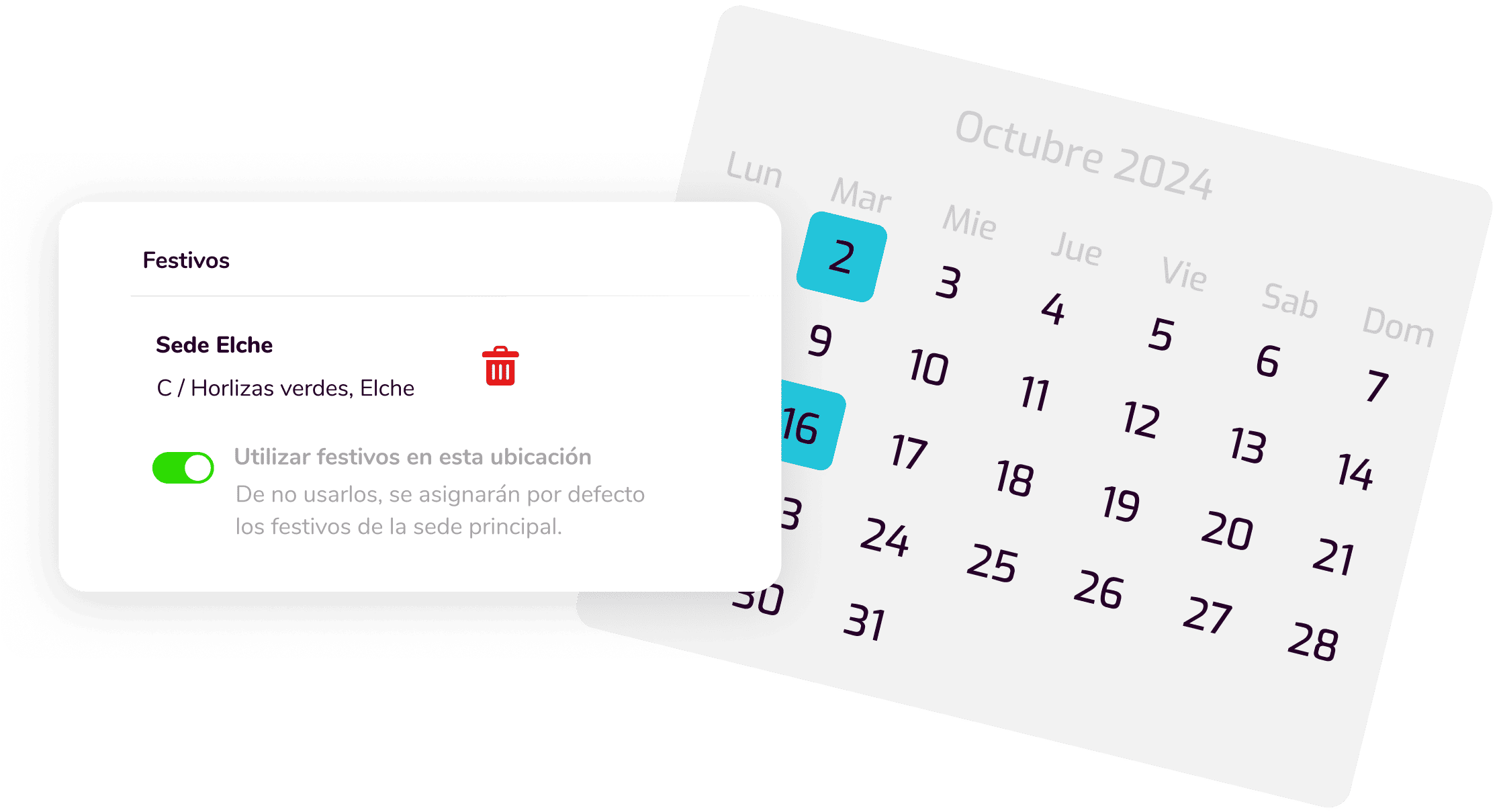
Public holidays. The software
respects
local public holidays.
  • Set local public holidays just from the
    company's
    location.
  • Modify these dates by group if they
    work in
    a different location.
Never be caught off guard
by an absence again.
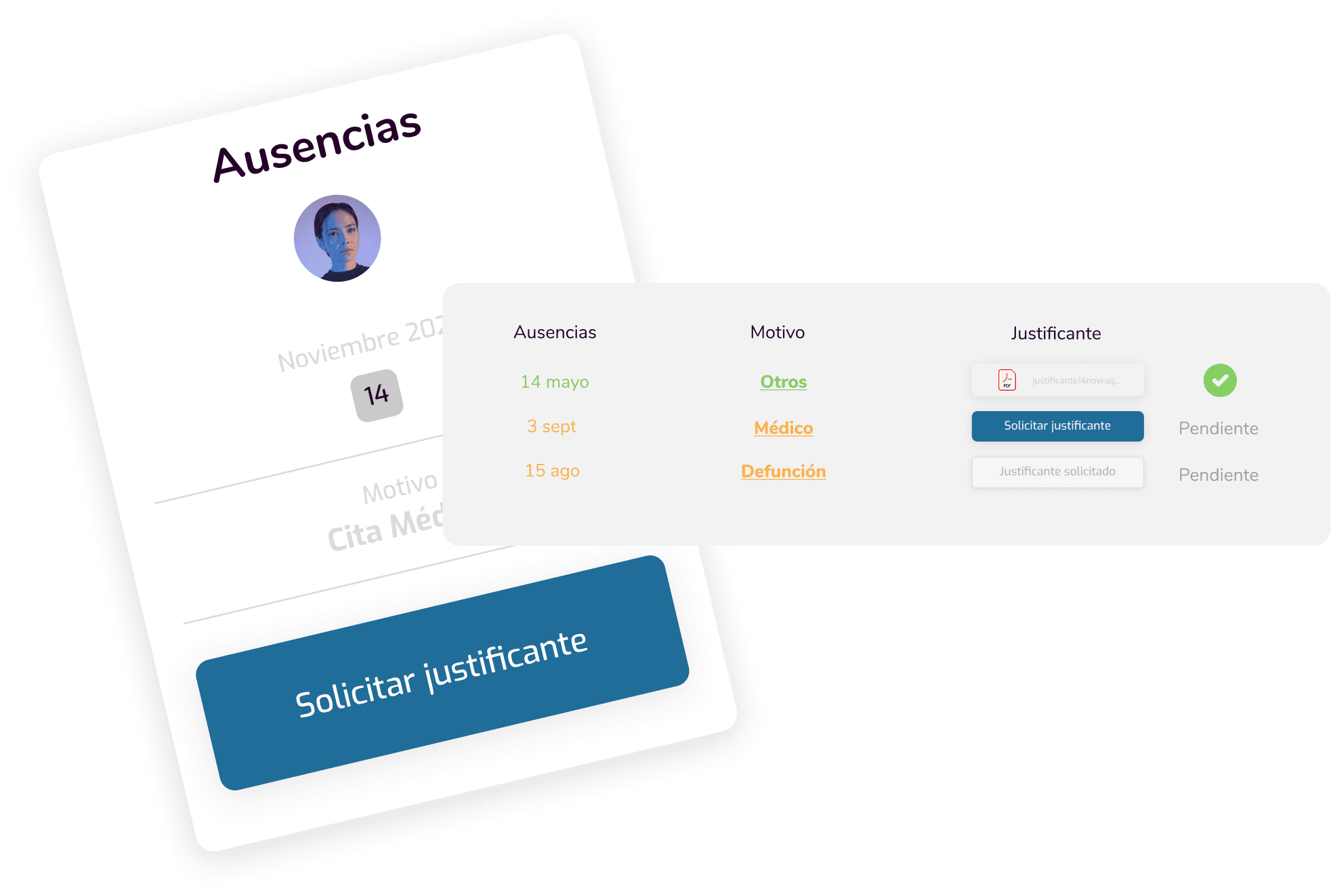
Absence management.
Absences
more organised than ever.
  • Different absence types so users can
    use
    them whenever they need to.
  • They can be taken by the hour or for a full day
  • The admin decides whether to accept
    these absences.
  • The user can submit their supporting document
    through the
    software if the admin requests it.
This changes everything. Reports
with very complete statistics, so
you
keep everything well organised.
Reports by user. View and download
all of an employee's information.
  • Generate detailed reports on clock-ins,
    incidents,
    hours worked, hours owed,
    absences, breaks...
  • Very appealing reports you can view
    and also download in the same format. No
    tables.
  • Save or edit these reports whenever
    you want.
Reports by group. Just like
for
employees, but all grouped together.
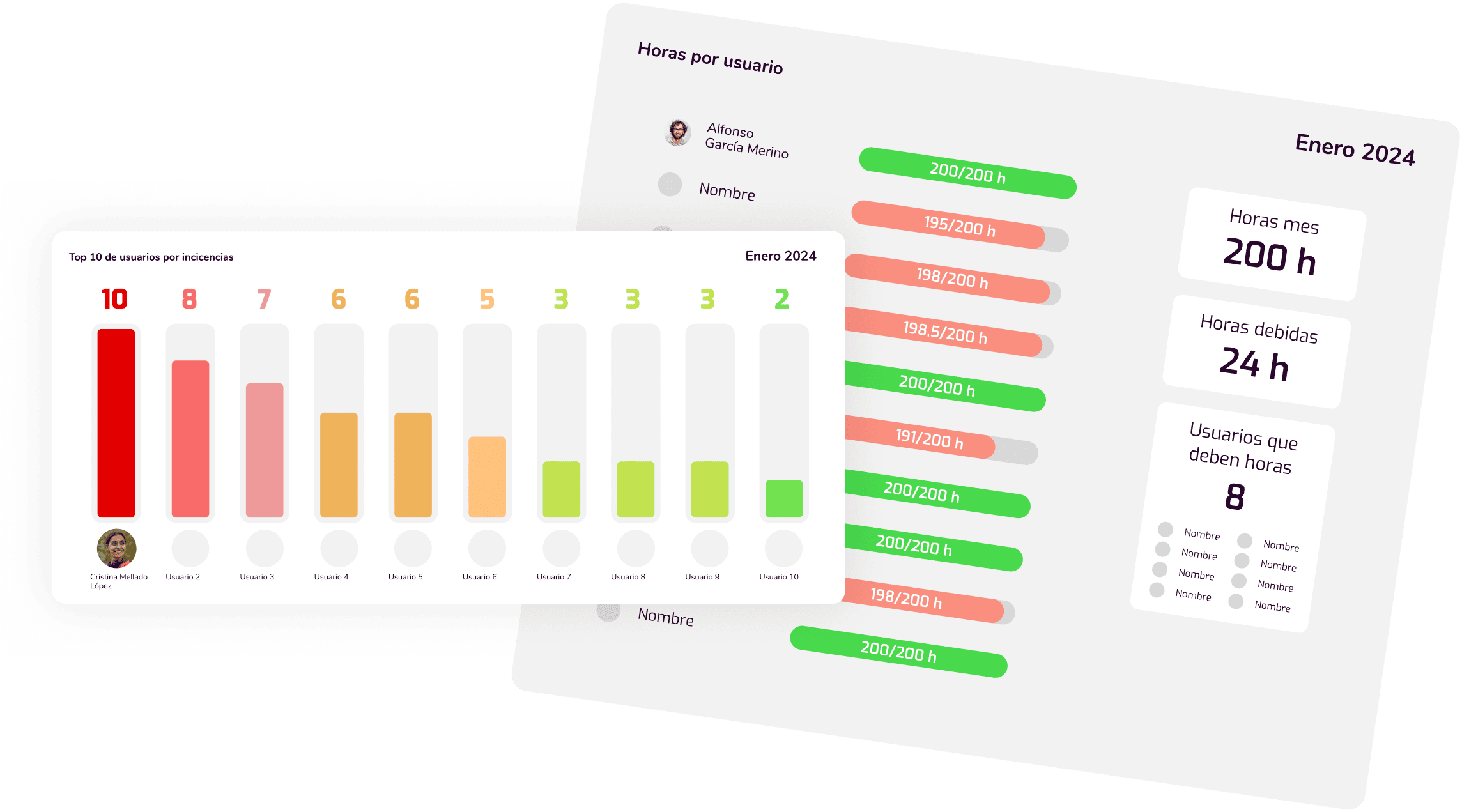
  • Generate detailed reports on clock-ins,
    incidents,
    hours worked, hours owed,
    absences, breaks...
    but for the whole group.
  • Very appealing reports you can view
    and
    also download in the same format.
    No tables.
  • Save or edit these reports whenever
    you want.
Document Management
Simplify and speed up document administration with secure tools
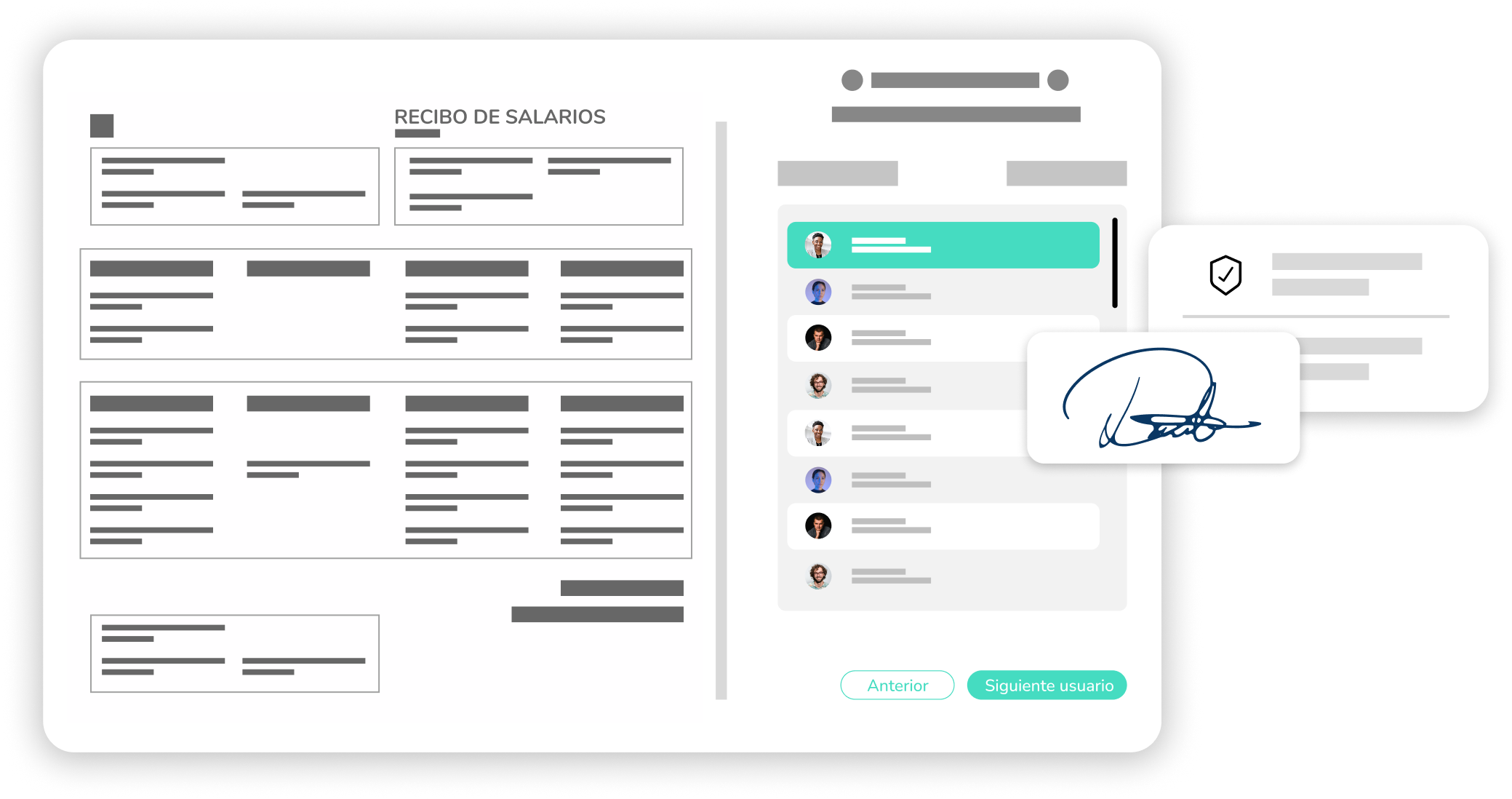
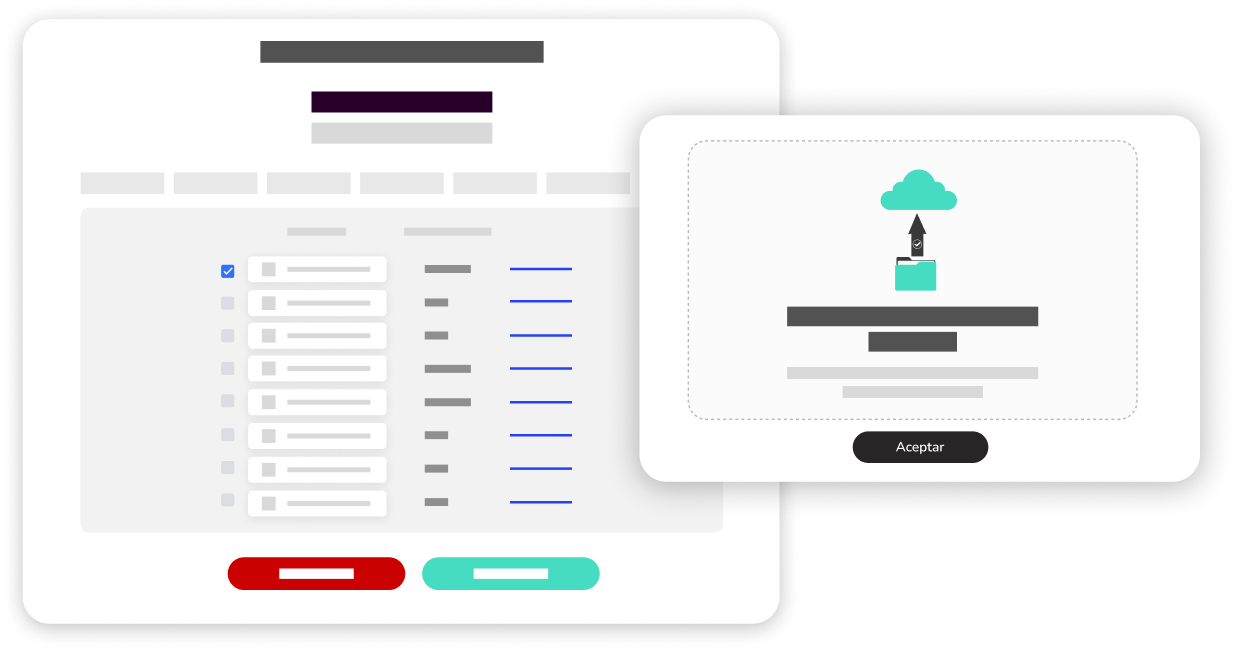
Payroll signing & management. Secure and automated, the whole process stays
logged and accessible in one place.
  • Payslips can be signed electronically by employees with full legal validity and traceability.
  • Integration with payroll systems to upload documents quickly and without errors.
  • Employees can view and download their payslips at any time from their profile.
  • Email or in-app alerts when payslips are ready to be signed or downloaded.
Complete document management. Centralise, organise and protect all your documents.
Secure access, version control and guaranteed regulatory compliance.
  • All documents (contracts, payslips, evaluations, etc.) are stored in a single system, avoiding duplicates and losses.
  • Role-based access control, data encryption and change auditing to guarantee confidentiality.
  • Automatic adaptation to regulations such as GDPR or labour law, with activity logs for inspections.
  • Notifications for renewals, expirations or pending signatures, reducing manual tasks and errors.
Electronic Signature: Secure & Legal
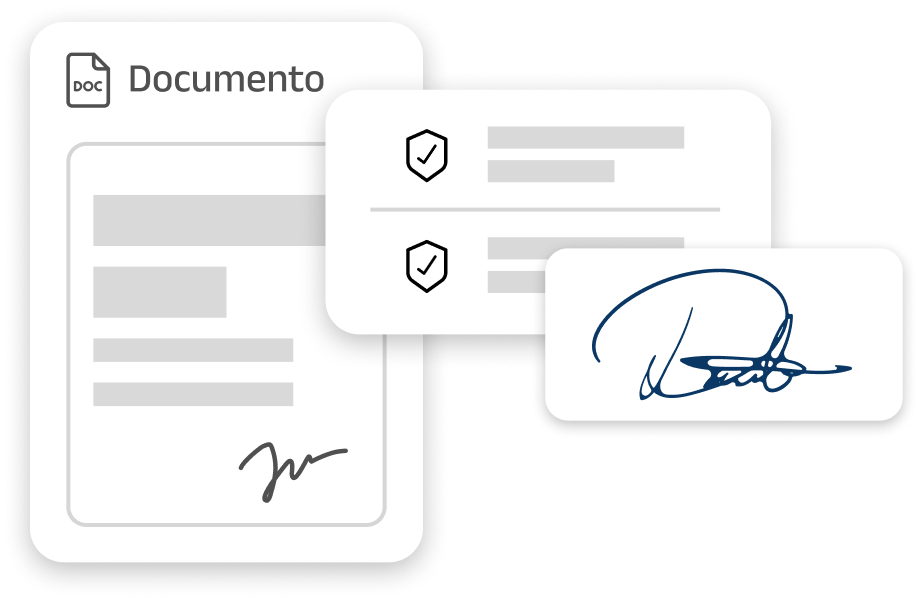
Sign HR documents with legal validity
Advanced signature: Fast, secure and paperless.
  • Advanced signature: with digital certificate, ideal for contracts and critical documents.
  • Automatic notifications by email or in-app, with reminders for pending signatures.
  • History of signatures, dates and users involved, accessible at any time.
Technical support & help
Got any questions?
We'll make this process a zen experience.
There's a team of people ready to help you.
We'll call you and explain whatever you need.
Schedule a call
Got any questions?
We'll make this process a
zen experience.
There's a team of people ready to help you.
We'll call you and explain whatever you need.
Schedule a call
Frequently Asked Questions
What is KOKO?

KOKO provides innovative technological solutions for both businesses and individuals. We are leaders in the development of proprietary software designed to optimize and digitalize information management, improving efficiency and productivity.

If you are a business owner or individual looking to take the next step in the digital transformation of your business, contact us.
Do you want to benefit from the Kit Consulting grant?

We help you digitally transform your company through the Kit Consulting Digital Advisory Voucher. Aimed at companies with between 50 and fewer than 250 employees. Contact us and tell us what kind of advice your business needs.

How does the HR module help save time?

By digitising and automating key processes such as clocking, shift management and absence requests, the module cuts the administrative load, makes better use of the employees' time and reduces the costly mistakes that come with manual handling.

Is my business compatible with KOKO?

KOKO is designed to adapt to the needs of each business and offer different solutions. Contact us without commitment.