Identify and locate
everything that matters to you
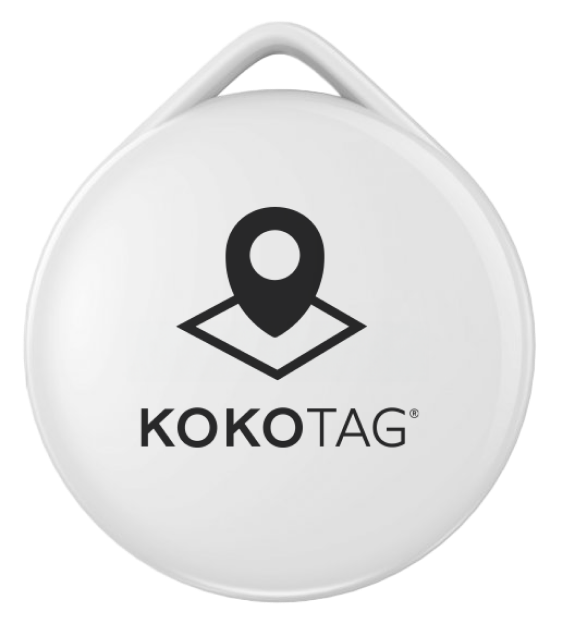
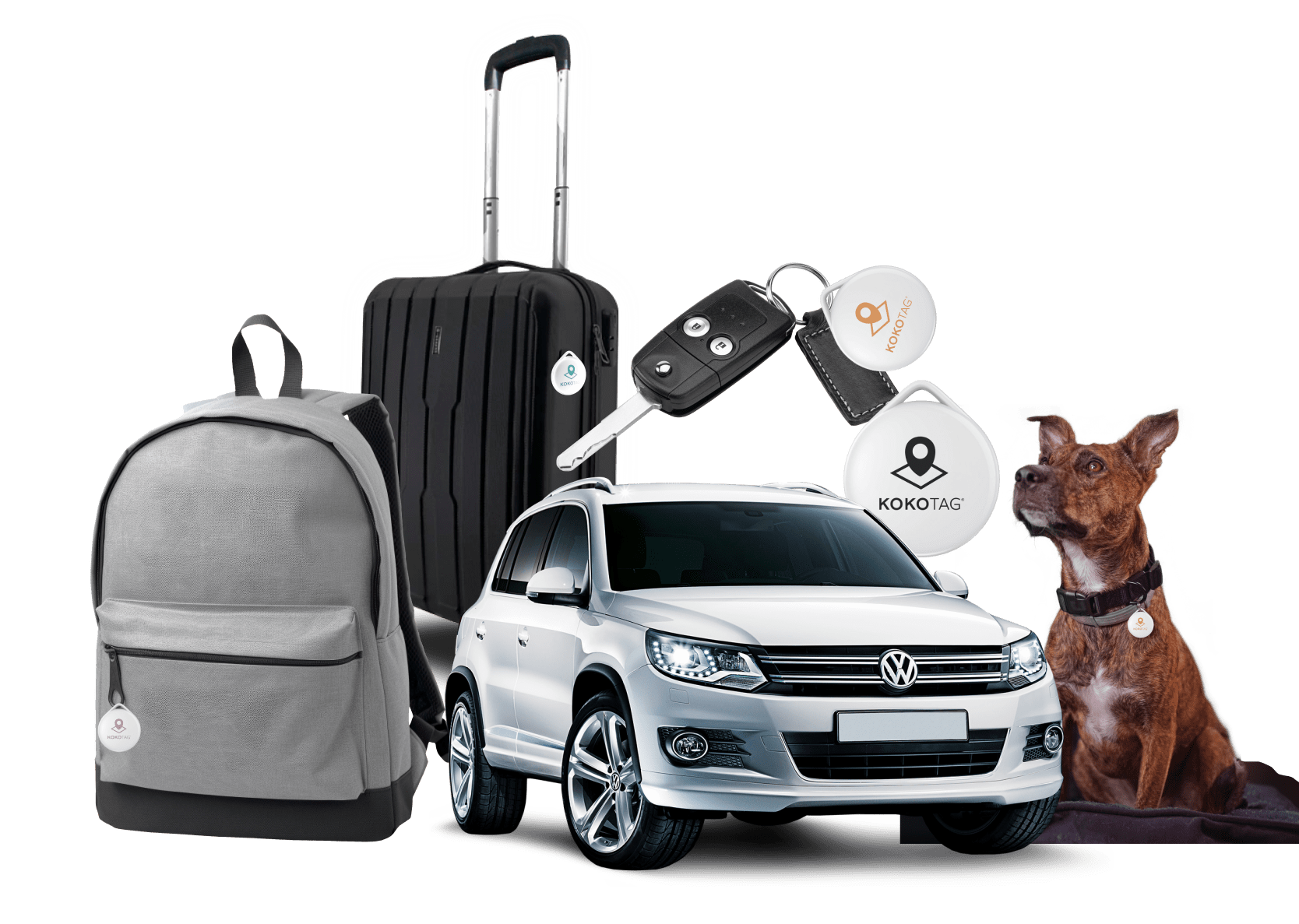
KOKOTAG is a device that lets you Identify and locate everything that matters to you.
Let's show you how it works:

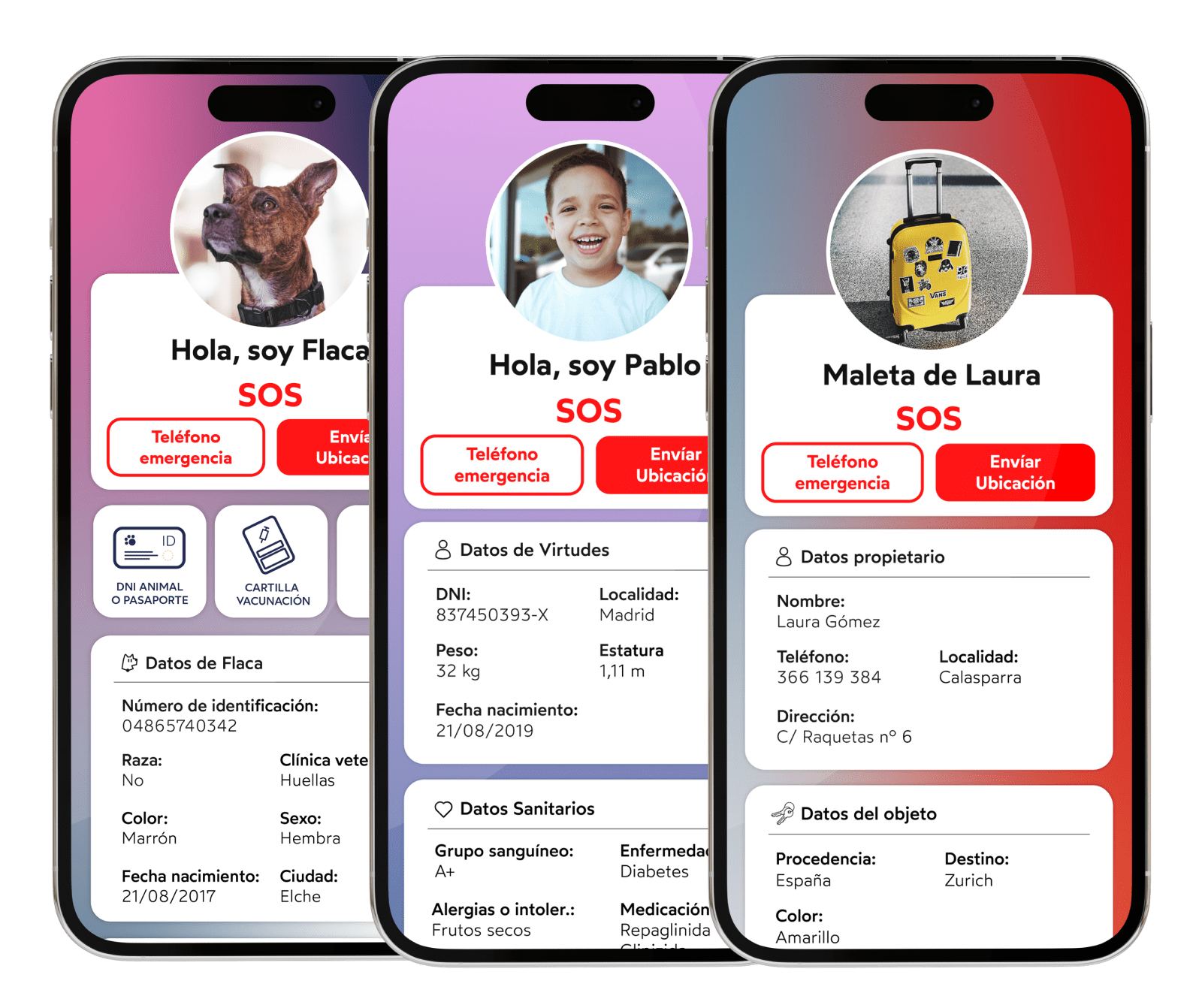
KOKOTAG lets you create a profile with the most important information about whatever matters most to you.
To do this, you'll need to subscribe to a Pets Plan or a Personal Plan — when you buy, we'll give you 6 months of the plan for free.
You can cancel it whenever you want.
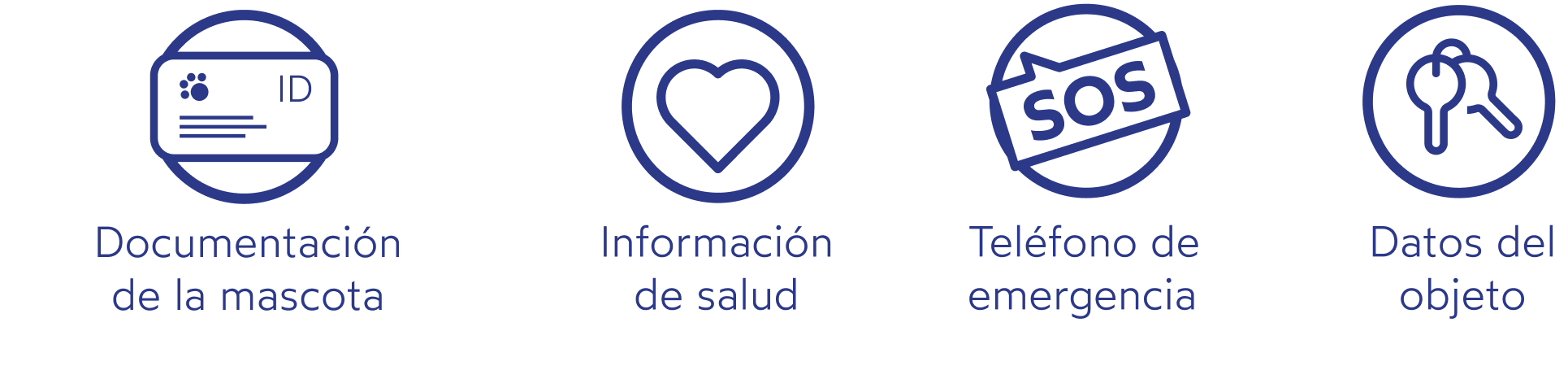

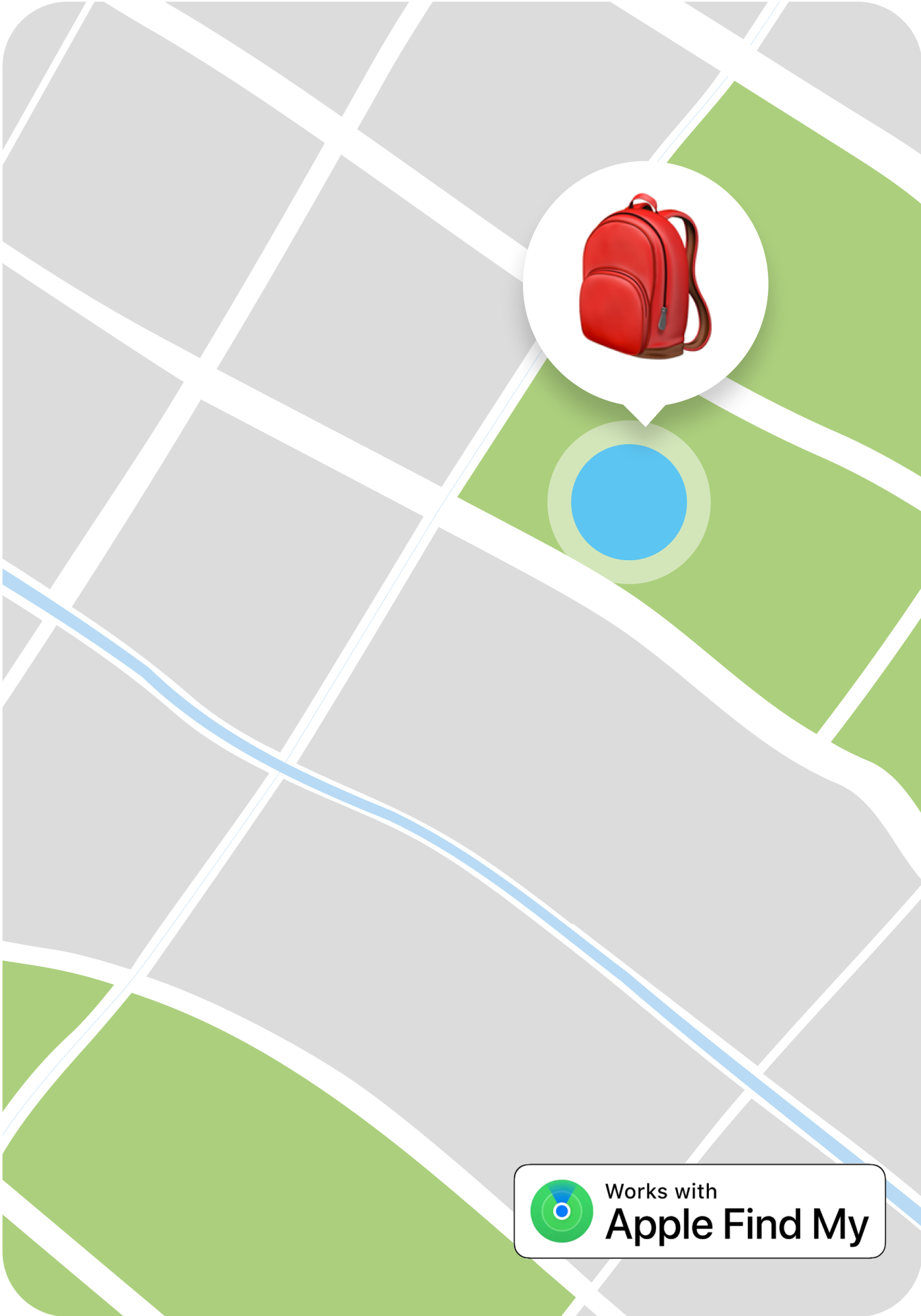
KOKOTAG can locate it as long as the device is being worn.
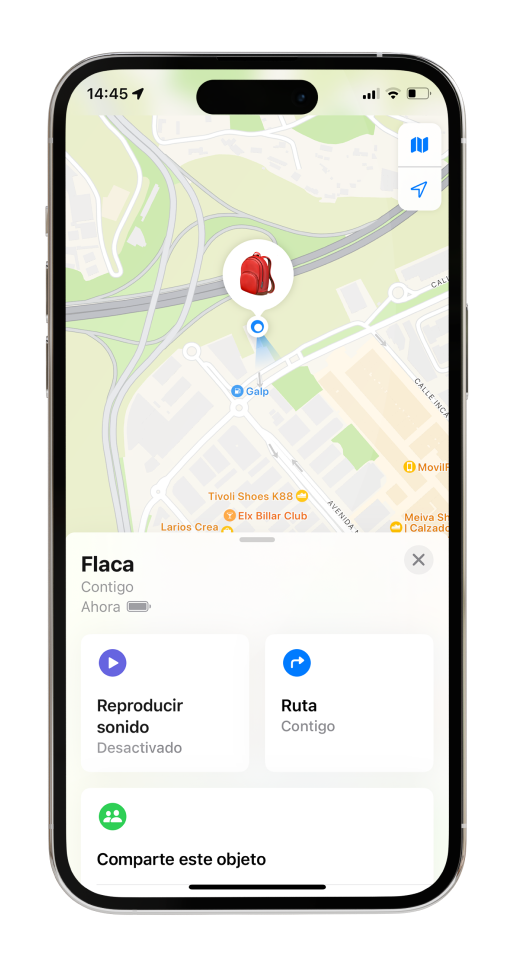
By opening the Find My app, you'll see where your Kokotag is at any moment, in real time.
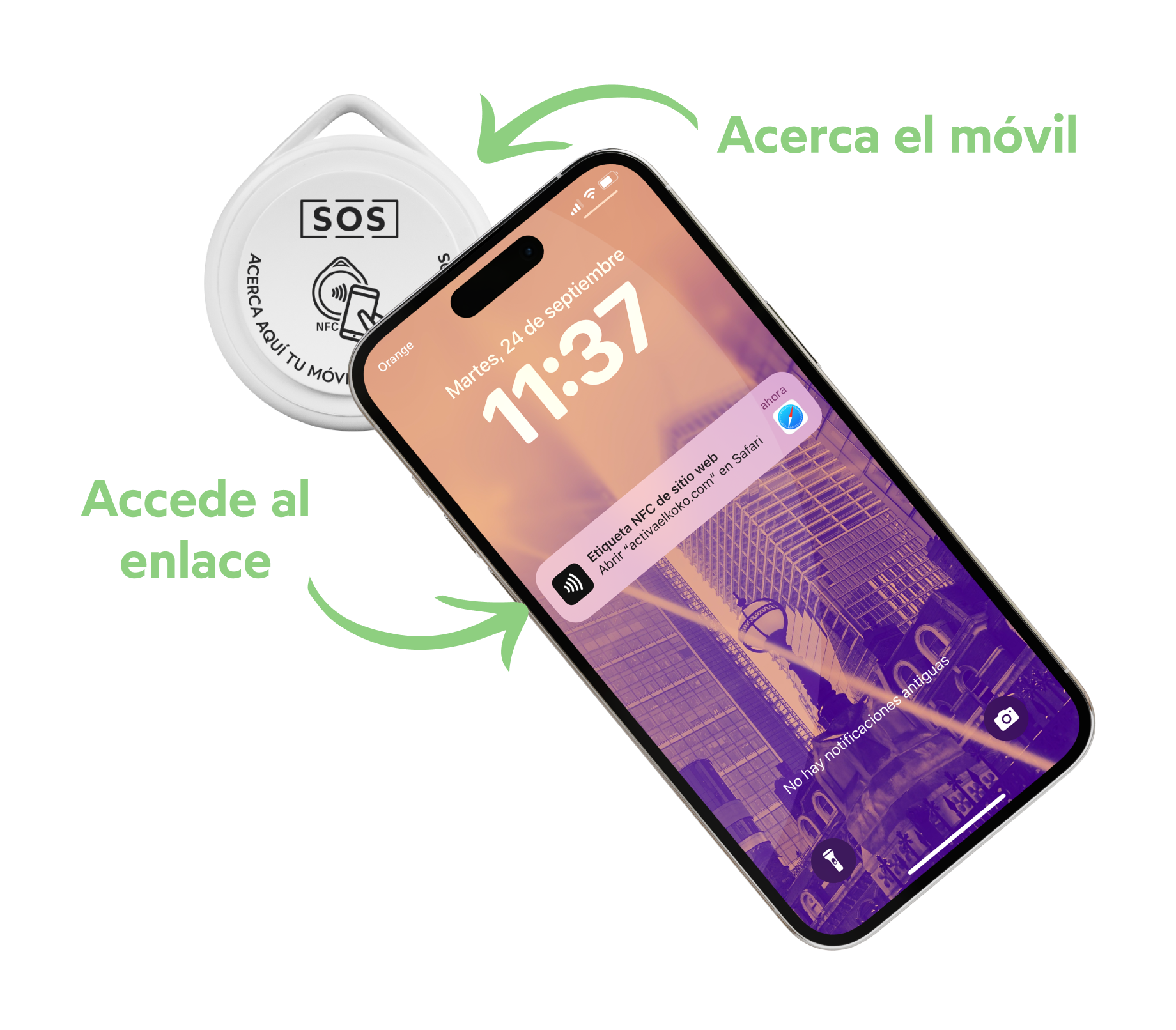
KOKOTAG has NFC technology. Simply bring your phone close to the device to start the activation process. Here are the steps:
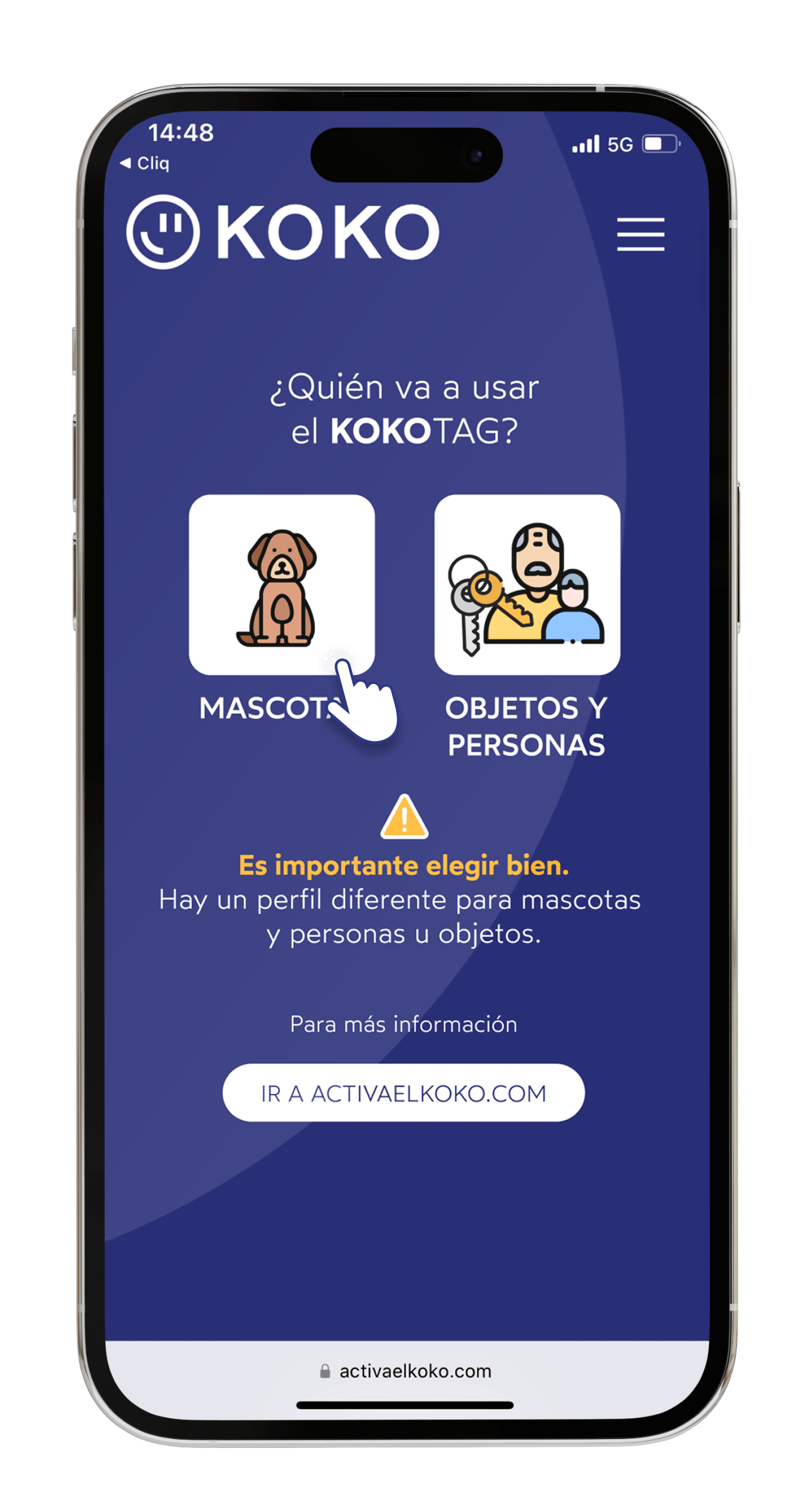
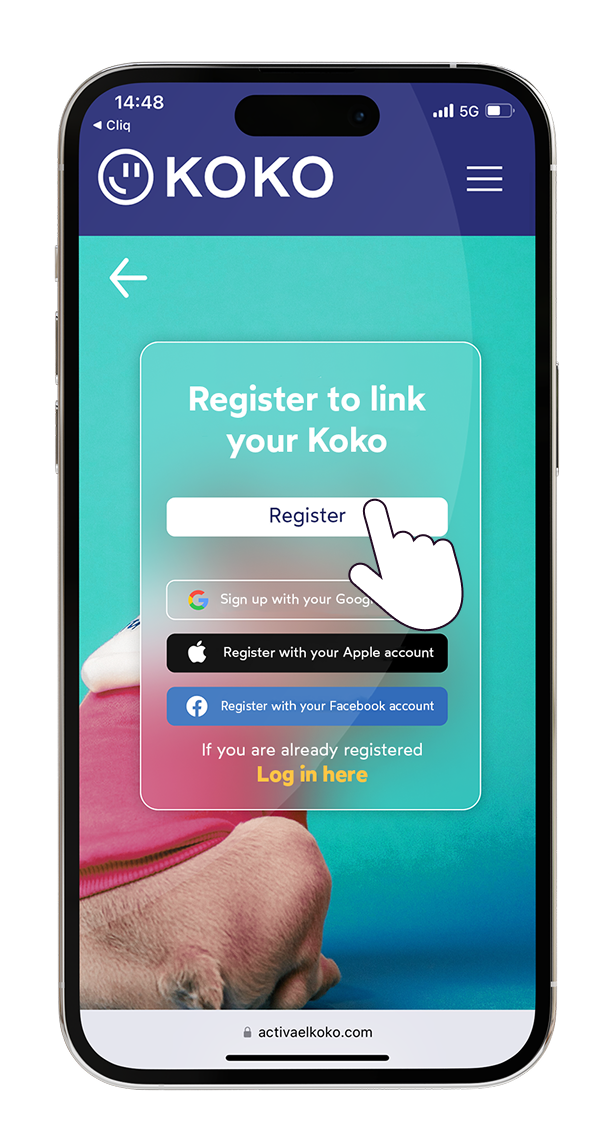
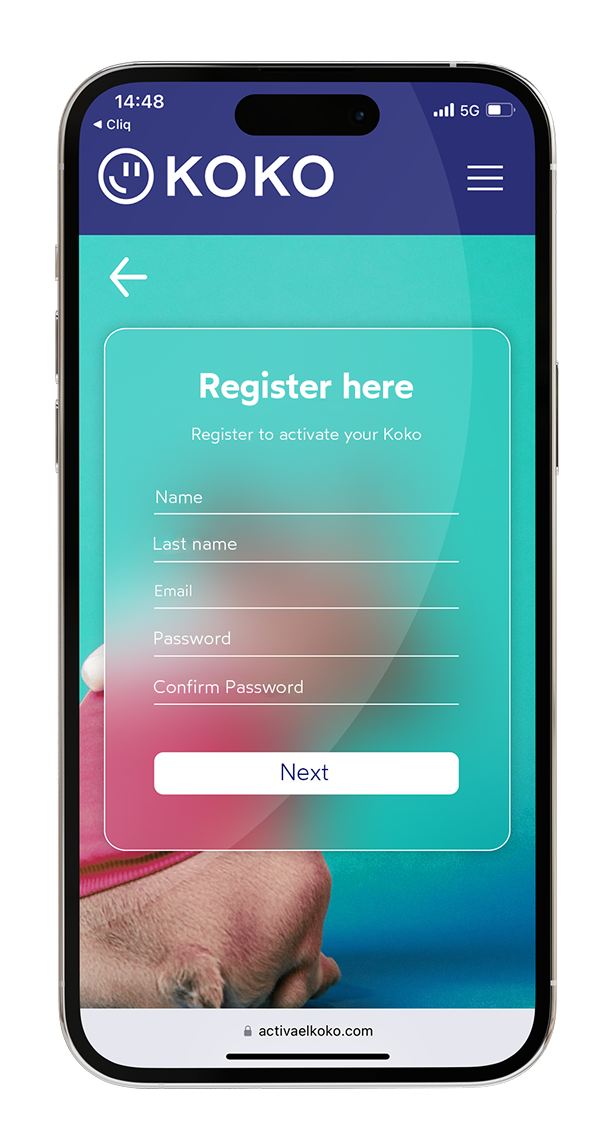
IF YOU BOUGHT IT VIA WEBSITE OR AMAZON
You'll receive an email with an activation code — paste it into the code field.
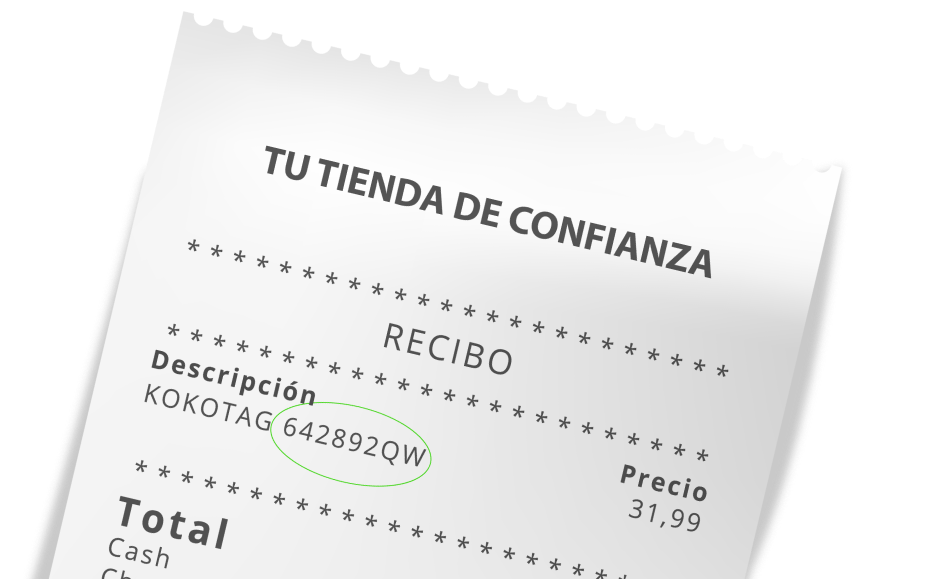
IF YOU BOUGHT IT IN A PHYSICAL STORE
Keep your receipt and enter the code you're sent by email.
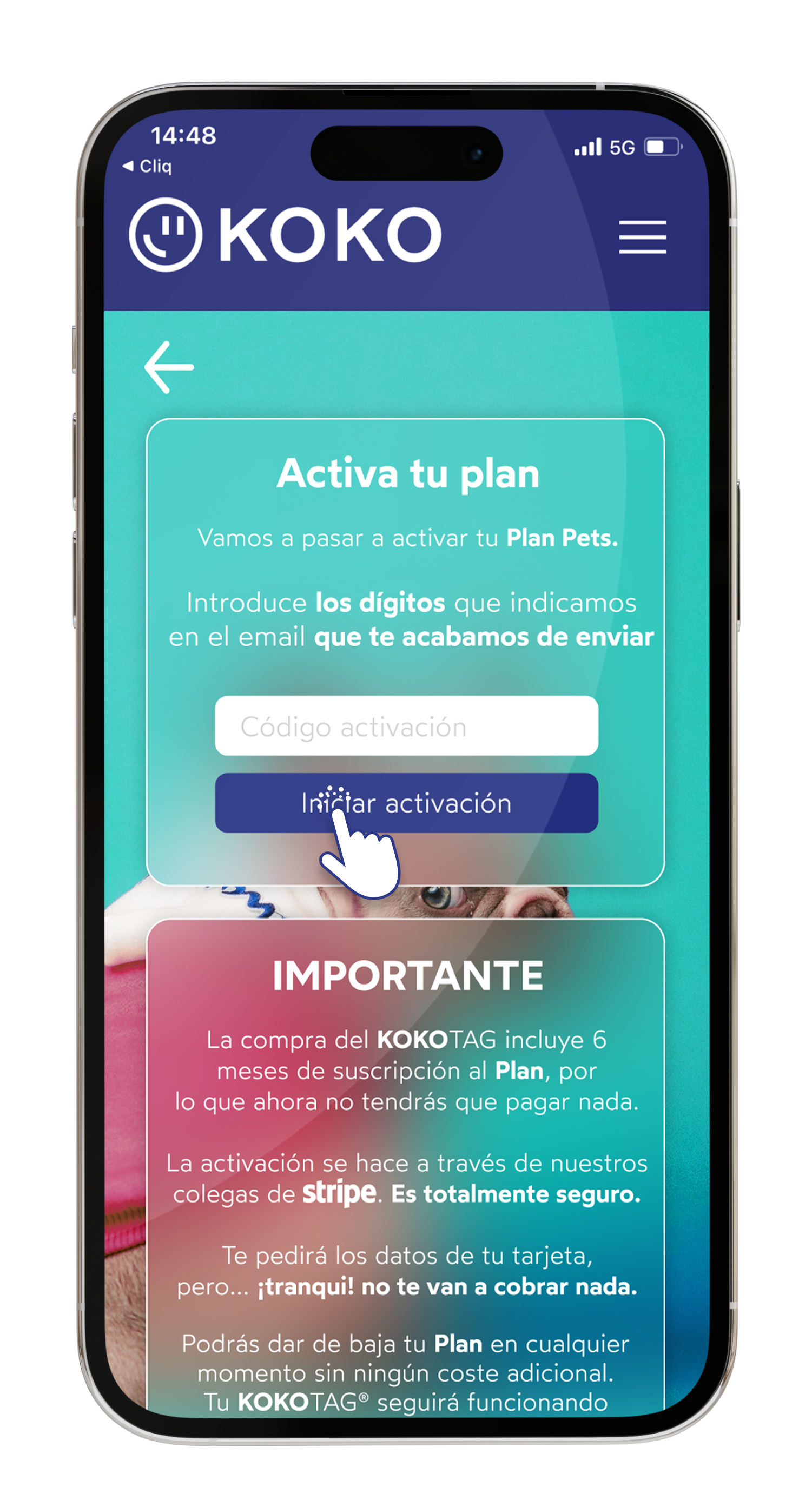
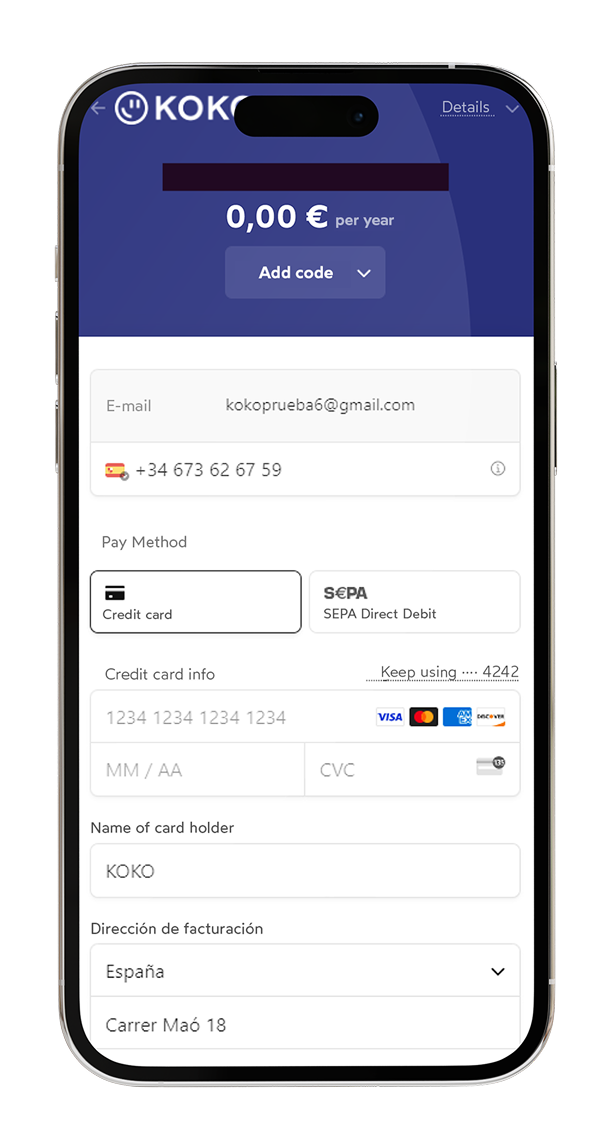
This is required for activation, but you won't be charged anything.
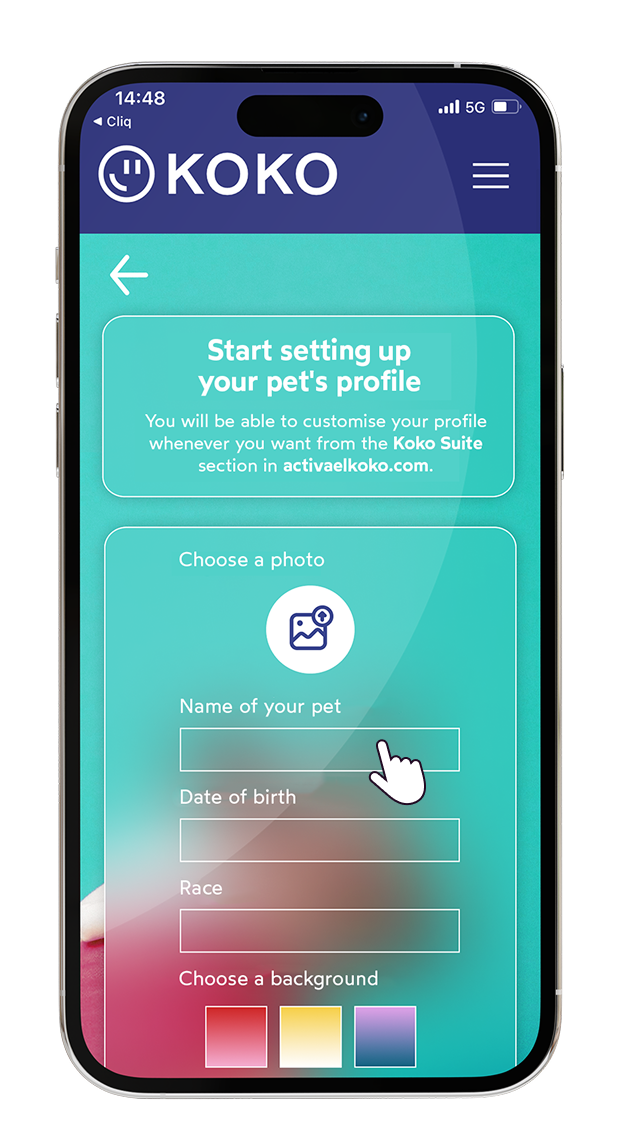
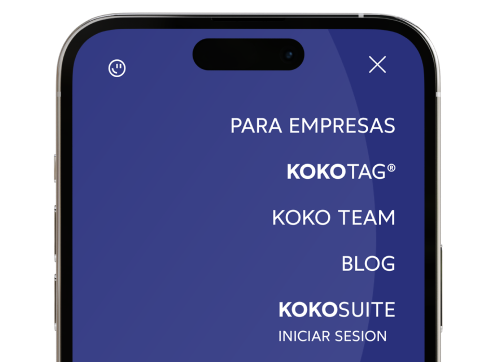
You can edit your profile's information whenever you want by logging into KOKOSUITE from activaelkoko.com
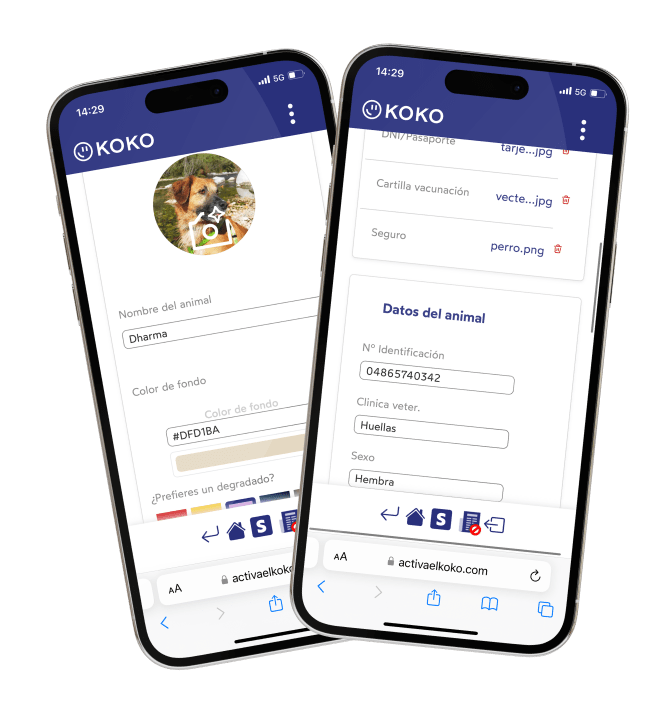
From the personalisation panel, you'll be able to change everything.
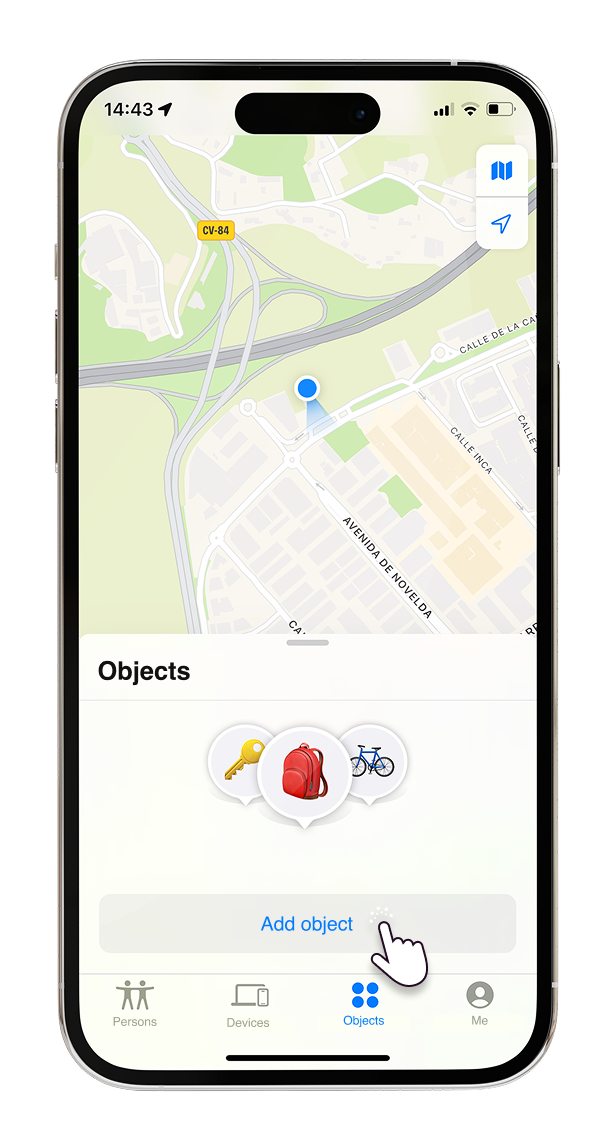
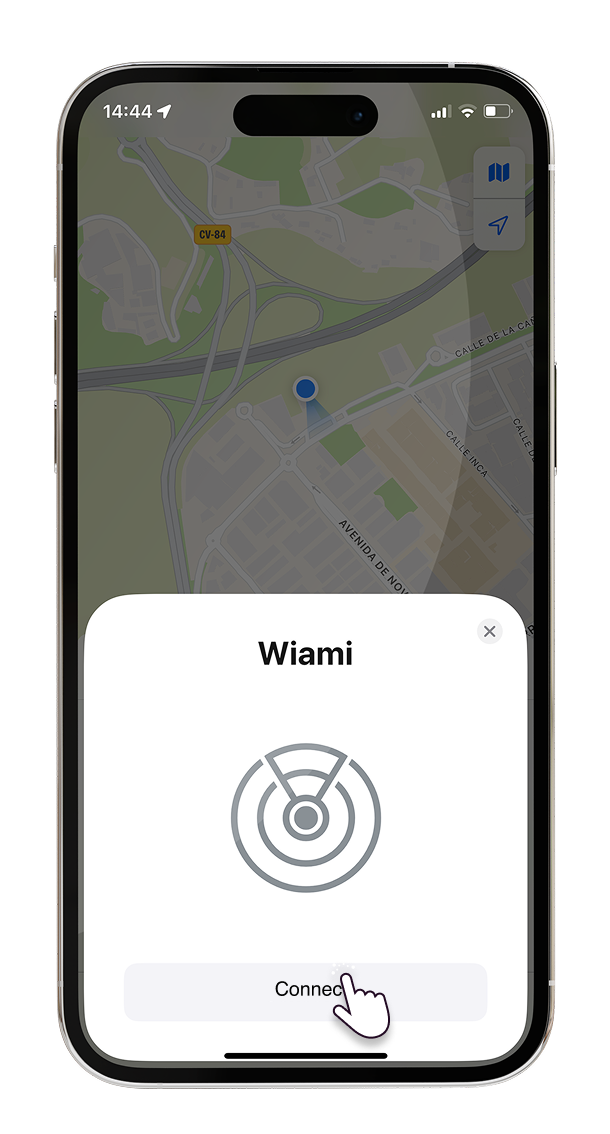
To link your KOKOTAG® to your phone, open the Find My app and follow these steps: